Sorting by

×
Home Blog Page 3

10 Ways to Anonymously Send Money to Any Bank Account in Nigeria

0

Are you looking for options through which you can send money to any bank account in Nigeria without revealing your identity? The good news is, there are several options for you. Being anonymous means that you choose to not disclose your identity. That is completely fine and we are sure you have your legit reasons for that. 

Many times, when you send money to someone else in Nigeria either through the bank or bank apps, your name is automatically sent along to the receiver. This means that traditional methods of sending money might blow up any attempts by you to be anonymous. You need other options. You need other legit options in Nigeria that will automatically send the money and keep your identity hidden. Are there such options in Nigeria? Of course! In fact, in this article, we aim to show you just that. We will show you ten different options through which you can send money to anyone in Nigeria, anonymously.

10 Ways to Anonymously Send Money to Any Bank Account in Nigeria

Flutterwave

Launched in 2016, Flutterwave has since then grown to become one of the most reliable and fastest payment solutions in Nigeria and Africa as a whole. Using Flutterwave, you can send money to anybody in Nigeria on an anonymous basis. They have established themselves as a reliable payment gateway through which businesses can make payments in Nigeria. You can definitely use this tool to send money without revealing your identity but you need to have received the money on your flutterwave account through sales of products or donations.

Paystack

Paystack is a payment integration system that allows its users to accept payments from all over the world. Paystack is a highly reliable payment software that has built its name in the Nigerian fintech space. And yes, you can use Paystack to send money to a Nigerian bank account anonymously. 

Paga

Paga is a mobile payment company in Nigeria through which users can send and receive money easily. With Paga, you can send that money anonymously and in less than a minute. To use their service, all you need is a mobile device and your Paga account. 

Use a Paypoint (POS)

POS services are luckily everywhere in Nigeria now so it’s very easy to send money from a POS agent without stress. Just walk to your nearest POS agent and tell them you want to send money to someone. They will deduct the amount from your bank account using the POS and send the money to the recipient using a mobile bank app. This way, the recipient will not know who sent the money since it’s from a PayPoint. 

Opay

Opay is a very popular payment and financial app in Nigeria where you can send and receive money to any bank account in Nigeria. Opay allows Nigerian users to carry out several financial transactions right from their digital phones. If you want to send money anonymously within Nigeria, Opay is a great option for you.

Deposit at Bank with a different name on the Slip

Another way to send money anonymously within Nigeria is to visit your bank’s local branch and make a deposit into the recipient’s bank account. While making the deposit or payment into the bank account, you don’t have to put your name on the slip. You can put a different name so that you remain anonymous. 

Quickteller Paypoint

Quickteller Paypoint is a great avenue you can use to send money anonymously. There are many quick teller Paypoint agents in Nigeria who can help you to transfer funds fast within Nigeria and you can choose to tell them to not disclose your identity. Your name might not show but email might show though

MoneyGram

MoneyGram has both a mobile app and a website that you can use to send money to many countries in the world. You can also use the MoneyGram app in Nigeria and you can choose to not state your identity before sending. 

Via Post/Delivery

Did you know that you can send money via the post office? All you need to do is to find a National post office location near you and fill the money transfer form. Provide information about the recipient who will receive the money and choose whether to disclose your identity. Pay the necessary posting fees and be rest assured that the money will be delivered anonymously.

Use a Transfer Agent

A transfer agent will help you to transfer your money to the recipient’s bank account without needing your identity. This is a fantastic way to send money easily without identity disclosure. 

Conclusion

Whichever options that you eventually settle with to use for anonymous money transfer, be sure to choose one that is most accessible to you. All our recommended transfer options above are highly reliable methods that you cannot go wrong with. If you’re closer to a post office luckily, go for post money transfer. If you’re in the United States, you might find that it’s easier to use MoneyGram. All the other options are also great, you just have to find the one most convenient for you. 

 

10 Platforms that Let You Convert Your Social Media Content to NFT

0

NFT is an acronym for Non-Fungible Token and it is associated with the blockchain world. NFTs can be linked to digital pieces like pictures, arts, audio, videos and other-types of digital content. Because NFTs are linked to the blockchain, they have public proof of ownership. “Non Fungible” means that it is unique to an individual unlike popular cryptocurrencies like Bitcoin and Ethereum which are Fungible and identical. In this article, we will be looking at the various online tools available to you for converting your social media content to NFT. But before that, let’s look at NFT Minting. 
First of all, how do you Mint NFTs? 

How to Mint NFTs

NFT Minting is simply the process of making your digital file a part of the blockchain. When your digital file has been turned into an NFT and is part of a blockchain, this process is called Minting. To mint an NFT, you need:

  • A crypto exchange account
  • Ethereum
  • A wallet to store your Ethereum in
  • Use the crypto wallet to sign up for an NFT marketplace like OpenSea
  • Create your first NFT successfully. 

Wait. I know you want something more detailed: Here is a website that would teach you -> How to Mint NFT

10 Platforms that Let You Convert Your Social Media Content to NFT

OpenSea is not the only marketplace to mint on and you can also mint on other blockchains apart from Ethereum. The following ten platforms are useful tools to help you convert your social media unique contents to NFTs easily: 

iNFTsta

iNFTsta is a great online tool that you can head over to and convert your Instagram content to NFT with. Their tool works very fast and easily and the best part is, it’s at no cost. All you need is your Instagram account and a web3 wallet to connect with through your browser. That’s really all you need to get started with converting your Instagram posts into NFTs. 

CocoNFT

CocoNFT makes NFT creation very easy for social media content creators. Created and founded by Susan Randon, you can use the online tool CocoNFT to convert any social media posts into NFTs, fast and easy. Once converted, you can go on to start selling your NFTs on the marketplace. 

BlogToNFT

Did you know even your web content like blogs can be converted to NFTs? That’s exactly what BlogToNFT was created for. To help users convert their blogs into NFTs. All you need to do is sign up and have blog of your own to convert. 

GitNFT

On their website, at the top of the page is the straightforward “Mint” button that allows you to dive into minting straight without any delays. GitNFT also directs you to an NFT marketplace to sell your NFT after minting. You can also vote for other contributors’ NFTs and invest in promising ones. 

GitGallery

GitGallery allows you to convert your codes as a developer into NFTs. Now, if that isn’t amazing, we don’t know what else is! So, this is an opportunity for developers and tech gurus to make money in the NFT space. The point of this tool is to convert GitHub commits into NFTs. 

Beyond Mars Art

This software tool allows you to convert your digital arts into NFTs. Whether your digital art is on Instagram or anywhere else, you can create your personal online gallery on this platform and start selling your NFTs. 

Valuables by Cent

Buy & sell tweets autographed by their original creators. Valuables is a great platform created by the San Francisco based company, Cent. Jack Dorsey the CEO of Twitter sold his original first tweet on Valuables. Through this platform, you can buy and sell tweets that have been autographed by their authors. The purpose of this platform is to make tweets mintable and convert them to NFTs. 

Beer.Art

The worlds best breweries & artists collide to create a premier marketplace for limited edition NFT beer art. Digital beer art you can own, collect and trade.

AutoGraphNFT

This platform was founded by Tom Brady and many in the cryptocurrency world see the platform making waves very soon. AutoGraphNFT allows you to get your NFT autographed by famous people. Also, celebrities from different sectors like the music, movie industry, sports are all joining this wonderful initiative.

NFT Port

With NFT Port, you can turn anything into an NFT for free. Whether they are images, music, videos, books, games etc. To start minting your digital files on this platform is entirely free and you don’t need prior experience in blockchain.  

Conclusion

These tools recommended are fantastic options for converting your social media content in whatever forms they are in, into NFTs. You can try any one of them to see which meets your needs best. Happy minting!

6 Social Media Scheduling Tools You Can Use For Free

0

Through the aid of social media, we can run entire businesses and promote our products/services entirely online. Social media has become the main component of living in modern society and it has become practically indispensable. As a business owner, if you want to sell more, you need to use social media to promote your business. The benefit of doing this is massive because there is a whole crowd and generation of people that are using social media that could become your customer base. People even pay to promote their business on popular social media platforms like Facebook, Twitter and Instagram so as to tap into the whole range of possible consumers available on these platforms. 

If you have a business you are running on social media, you might not always be available to edit and share new content. Luckily, thanks to technology, there are several options available that will take the weight off your shoulders. You don’t have to be online every five minutes to post new contents and manage them. The perfect solution is to use social media scheduling tools. These scheduling tools will post new contents that you have scheduled into them, thanks to smart programming technology.

Social Media Scheduling Tools

Our recommended scheduling tools are completely free to use (at least for trials) and highly effective in delivering your scheduled posts on time. Check out our top six recommendations below:

Hootsuite

Hootsuite is an automated social media manager that allows you to manage your social media accounts all in one place. You can create nice content and then schedule your posts very easily. Hootsuite also allows users to manage team members and measure the performance of each social media campaign or post. Hootsuite covers social platforms like Twitter, Facebook, Google+, LinkedIn and your WordPress blog/account. These are the platforms that Hootsuite covers as of November 2021.

OneUpApp:

OneUp App is a social media scheduling tool that you can use to schedule your posts on social media platforms like Facebook, Instagram, Twitter, LinkedIn, Pinterest and Google My Business. OneUp App will alert you whenever it is time for your posts to be uploaded. They offer new users a free 7-day trial to see how their platform works and if users like it. After the 7-day trial period, users can then choose to continue using the management tool for a starter price of $12 a month or stay on the FREE plan. The premium package prices vary depending on how many services are being offered to a user. 

Pallyy

Pallyy is a high-quality social media management tool that we highly recommend. Pallyy was specifically built to help social media managers and agencies with their work. You don’t have to be a media manager to use this tool. Anybody that needs help with content management and scheduling will find their tool very handy.

Canva

Do you know that right from the Canva editor page, you can schedule and send posts to your social media pages and groups? Everyone knows that Canva is a graphic editing and design platform where you can make logos, design flyers and other graphic content. But Canva has added a new and important feature for its users. After creating your graphic, you can schedule it to post on some social media platforms automatically without your intervention. All you need to do is set the time to your time zone and it will be taken care of. 

Buffer

Buffer is one of the most popular scheduling platforms available. The platform is highly intuitive, very affordable and easy to use. To get started, you need to subscribe to a payment plan. Buffer is also available as an app on both Android Google play store and iOS Appstore. After scheduling posts with Buffer, users can analyse post-performance and optimise posting strategies for better results. 

Postedo

Postedo is strictly for scheduling Instagram posts. Users get to save time tremendously by telling Postedo to publish their Instagram posts on their behalf. The tool advocates for users to leave all the repetitive work to Postedo. 

Conclusion

The six social media scheduling tools listed and elaborated upon are great options for scheduling posts. You really can’t go wrong with any of them as they have all been tested and trusted. Happy marketing!

Crypto Trading for Beginners 3: How to Transfer Between Wallets And Conclusions

0

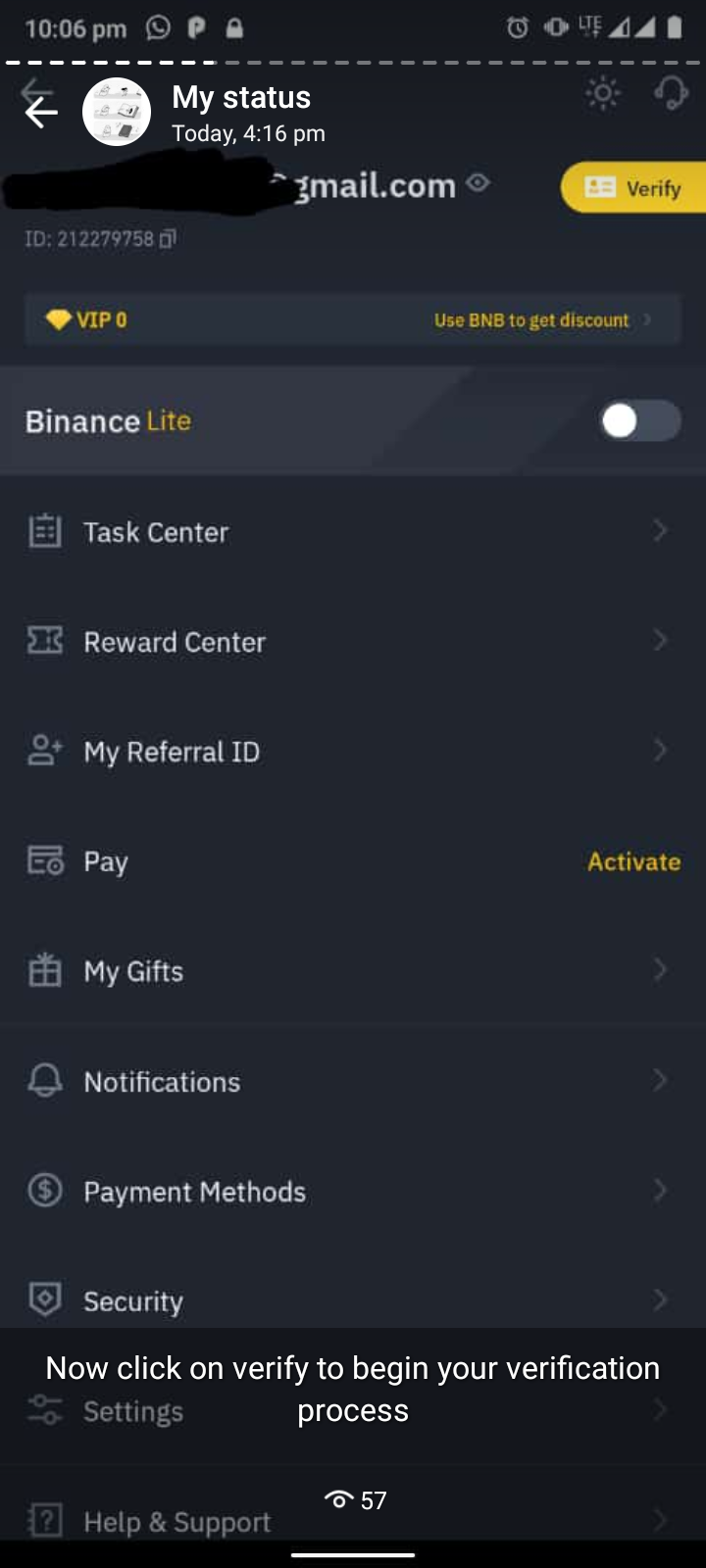
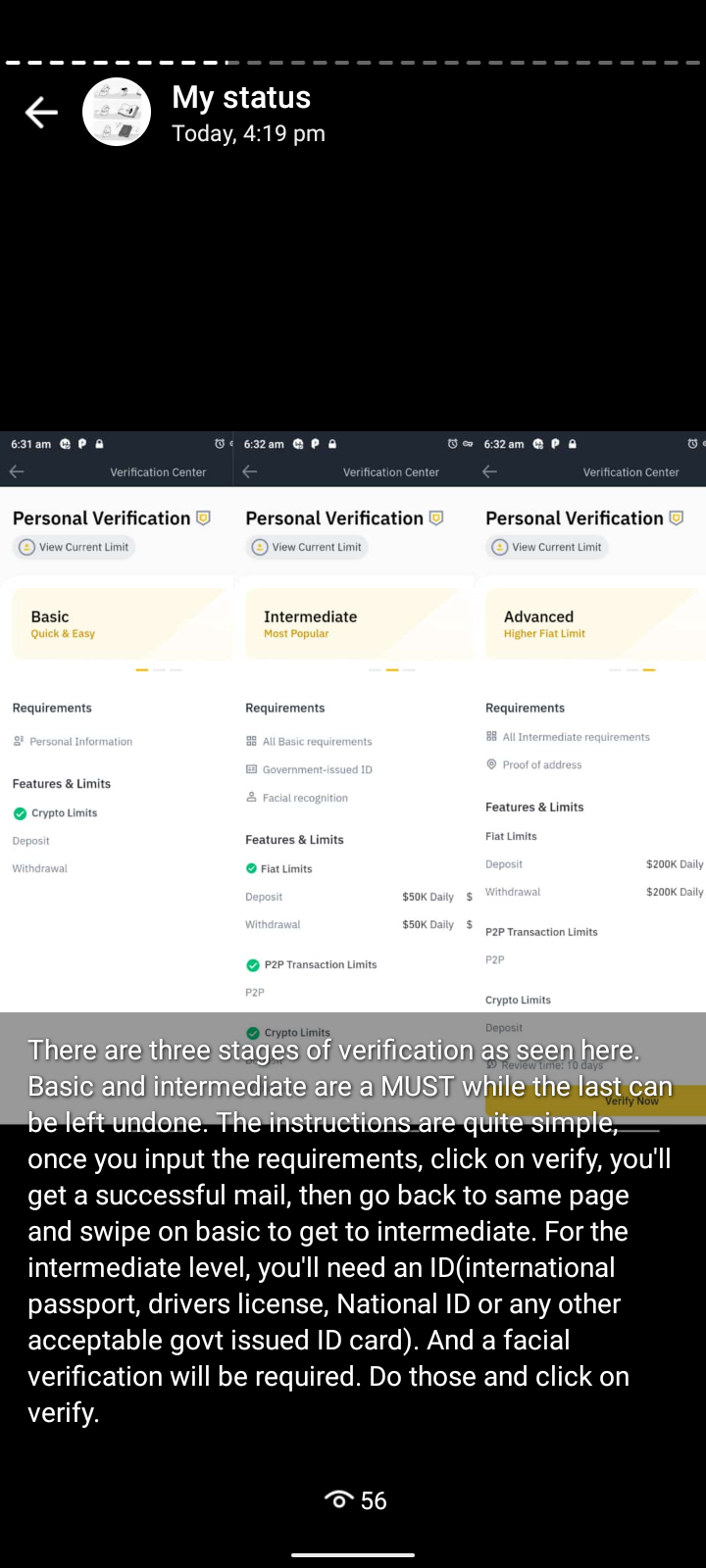
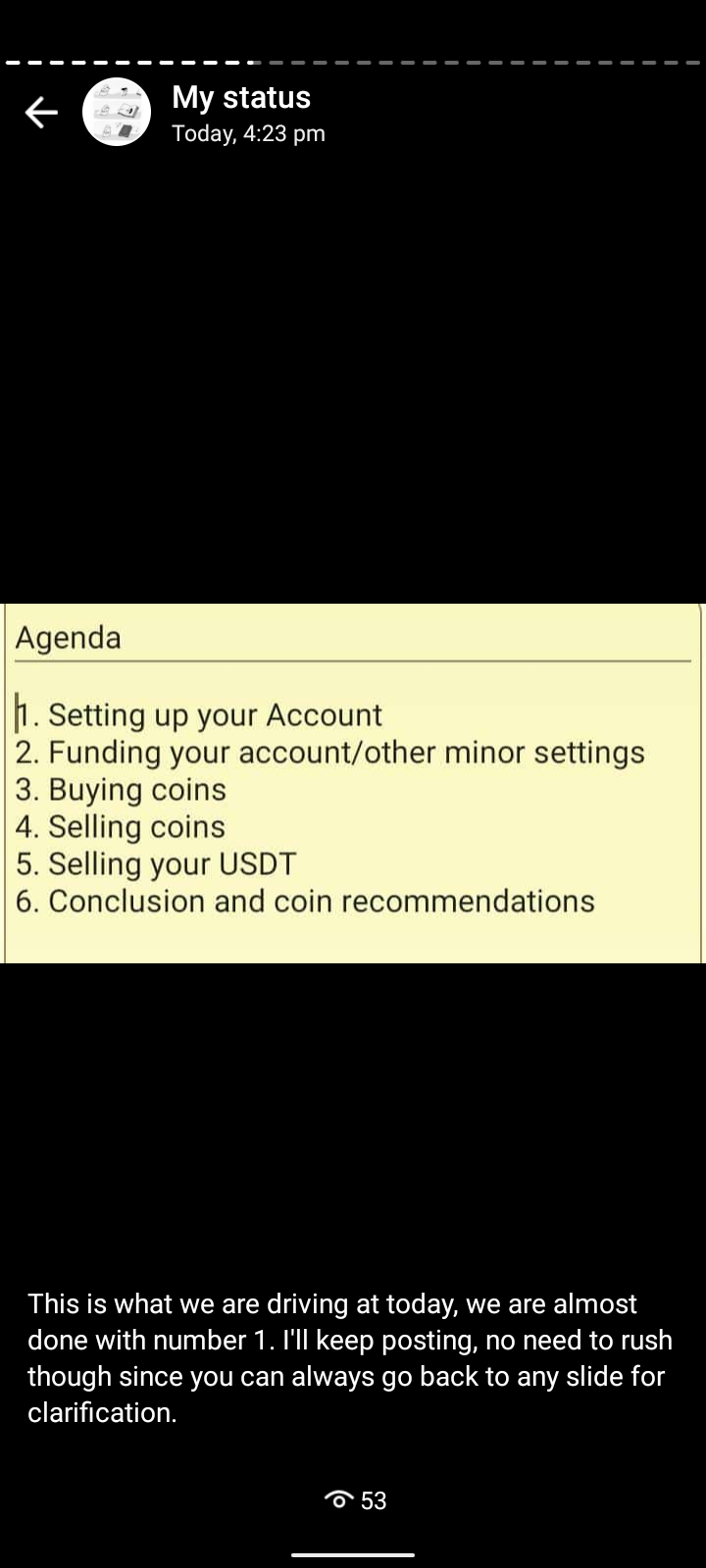
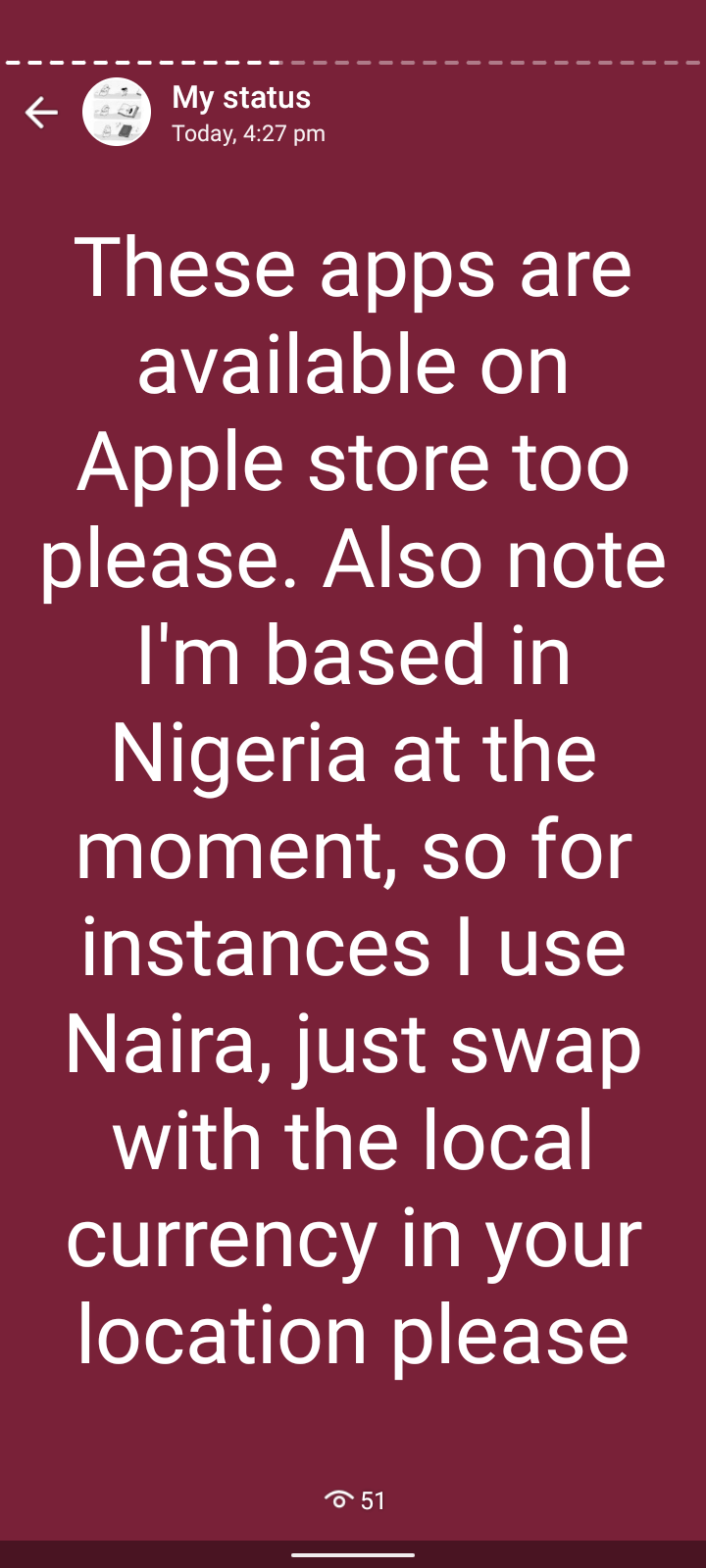
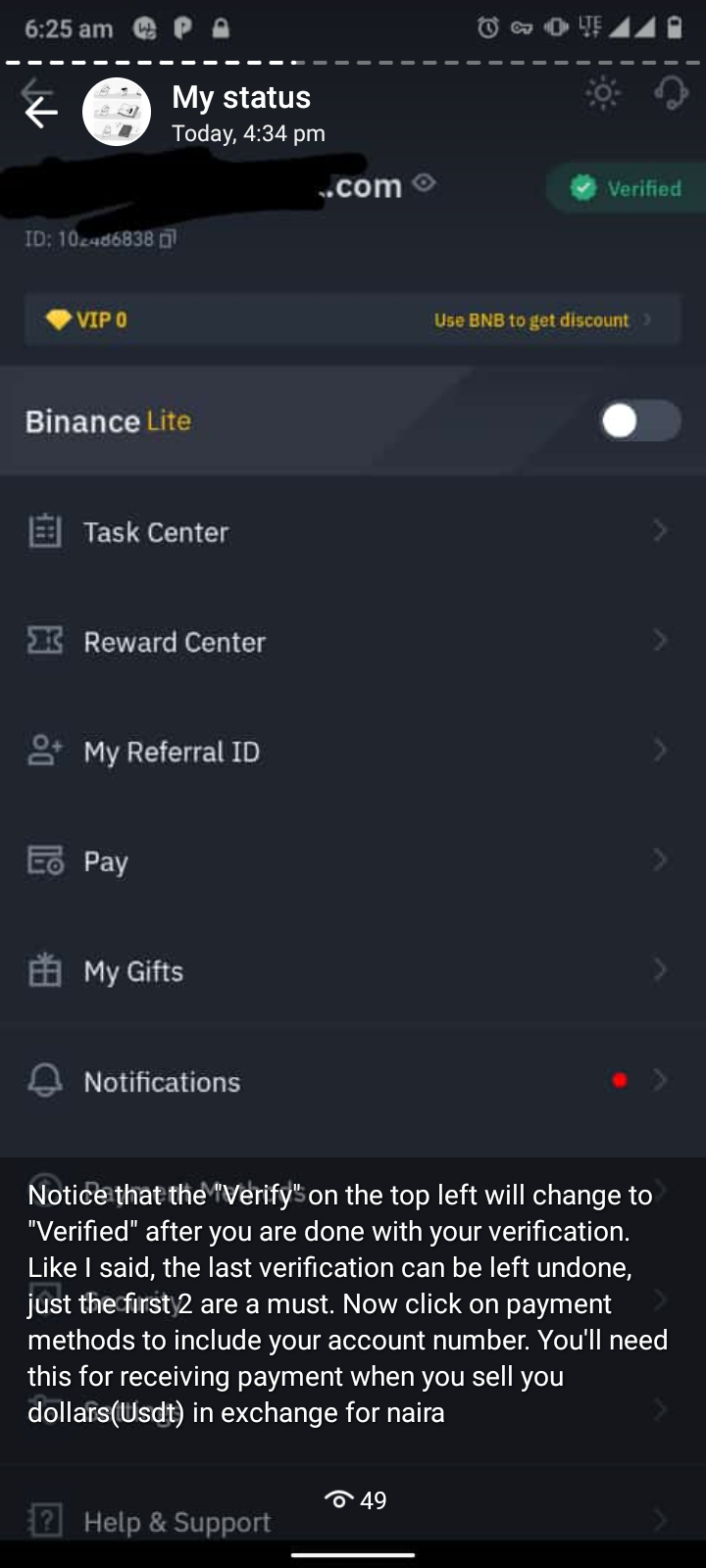
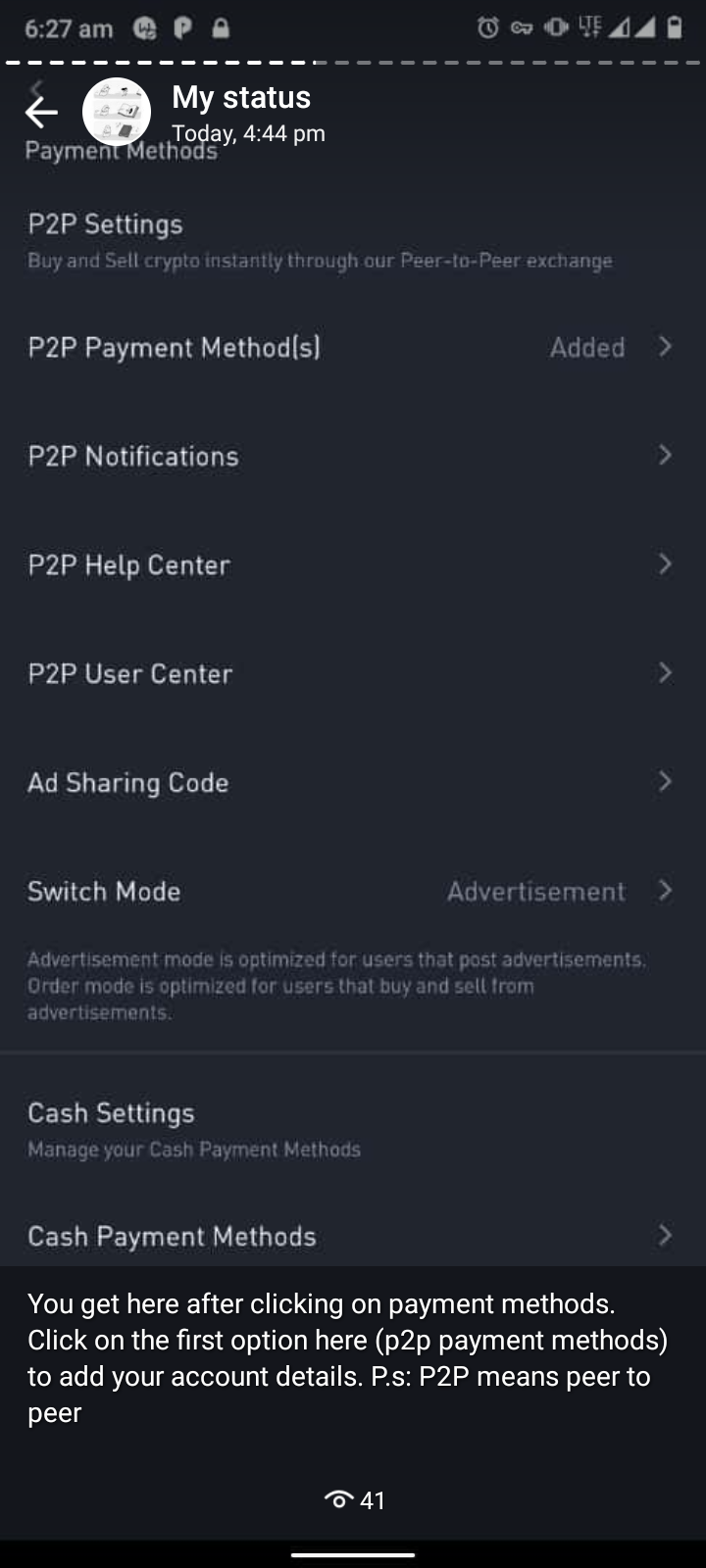
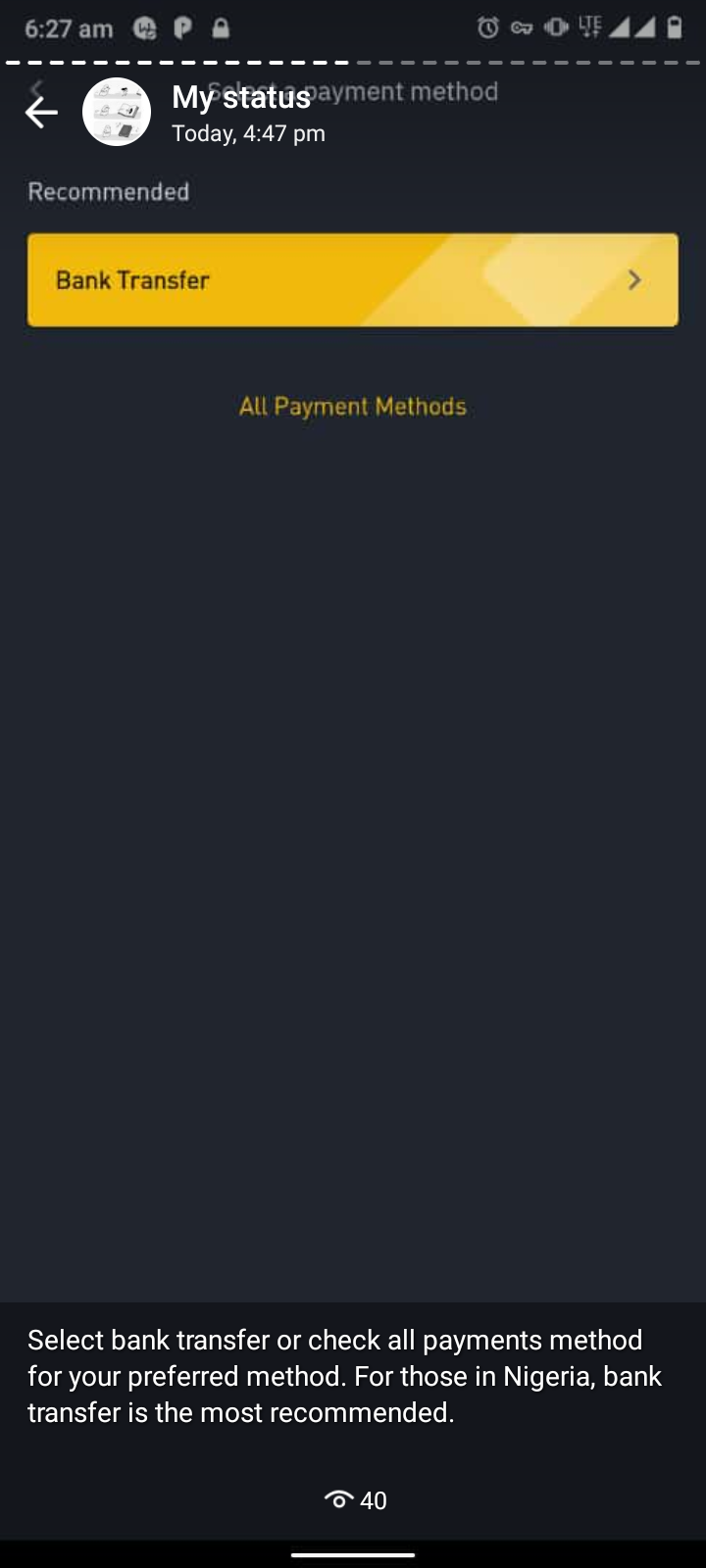
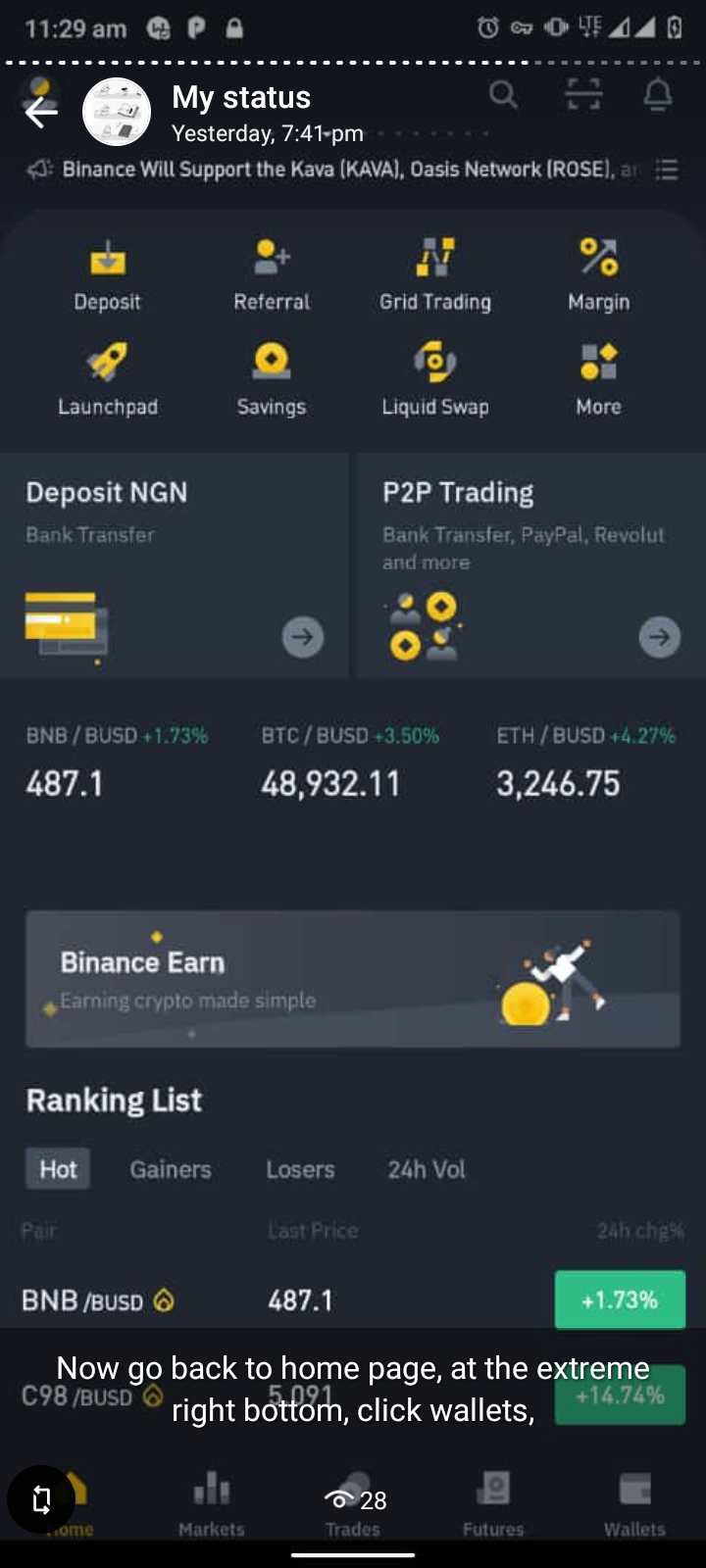
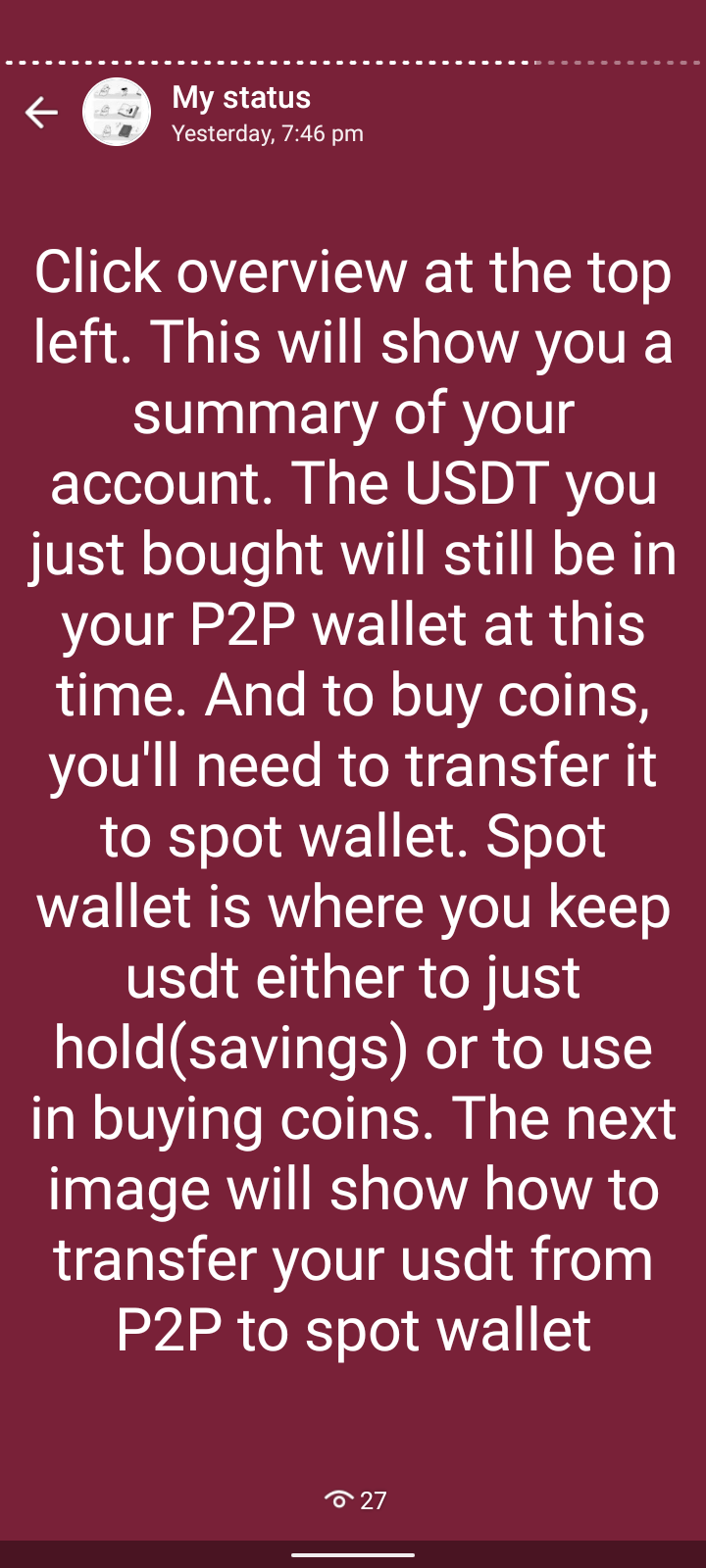
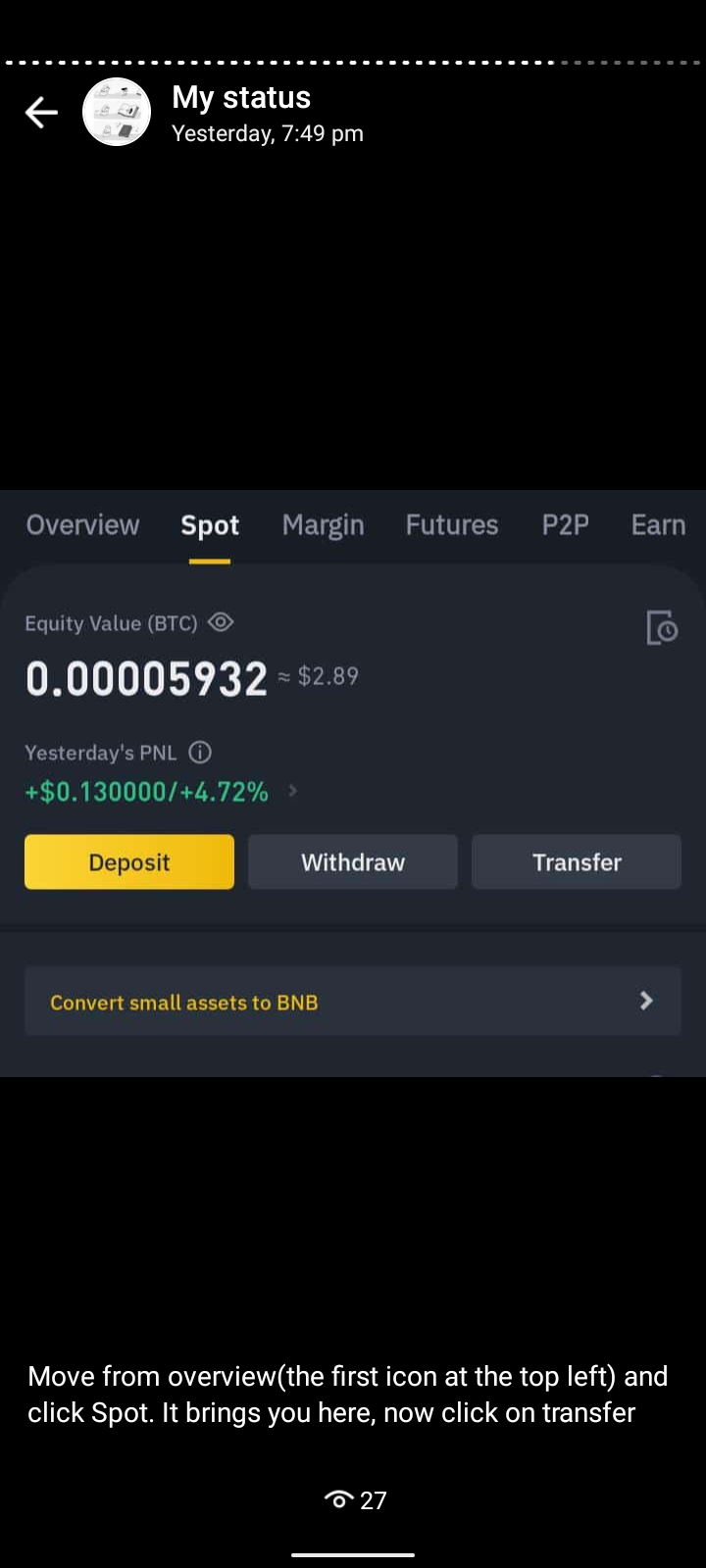
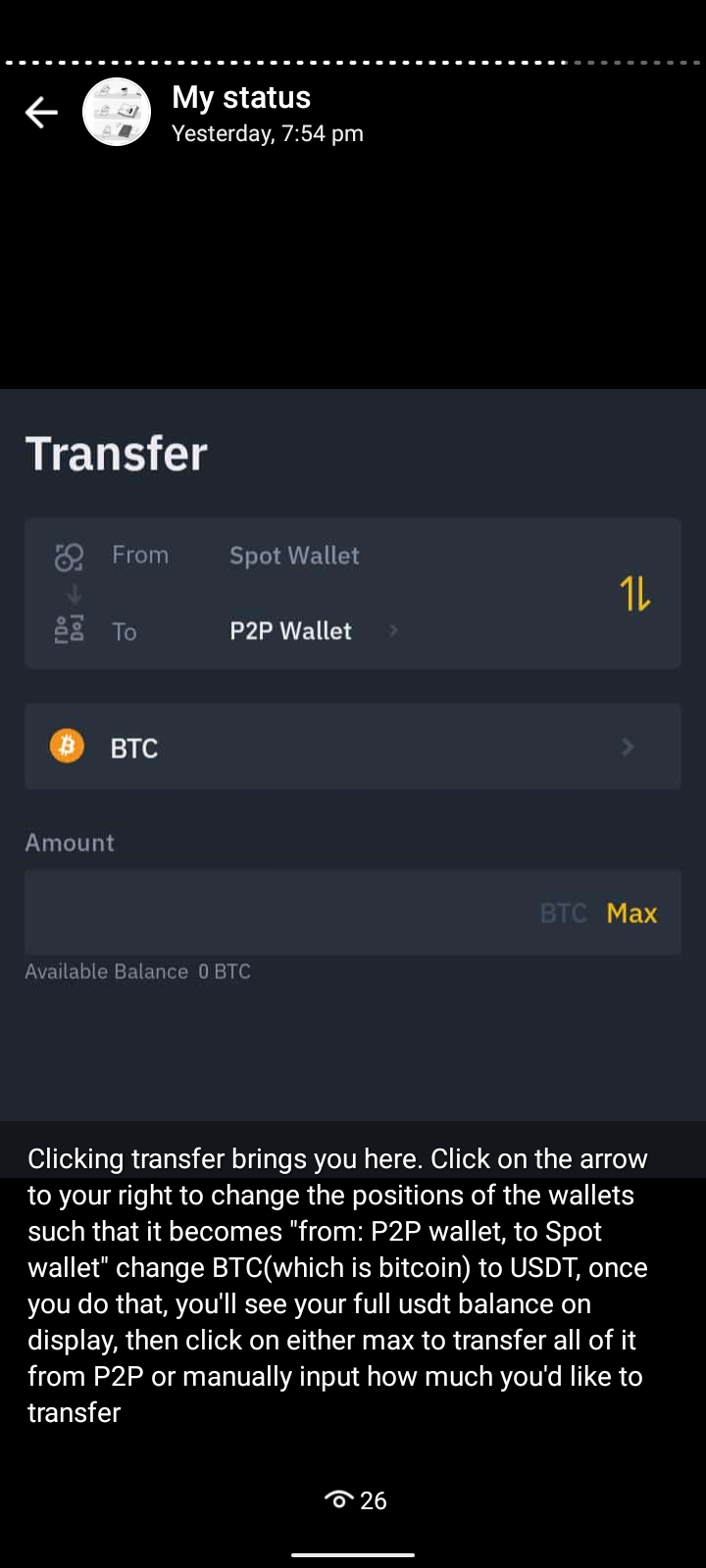
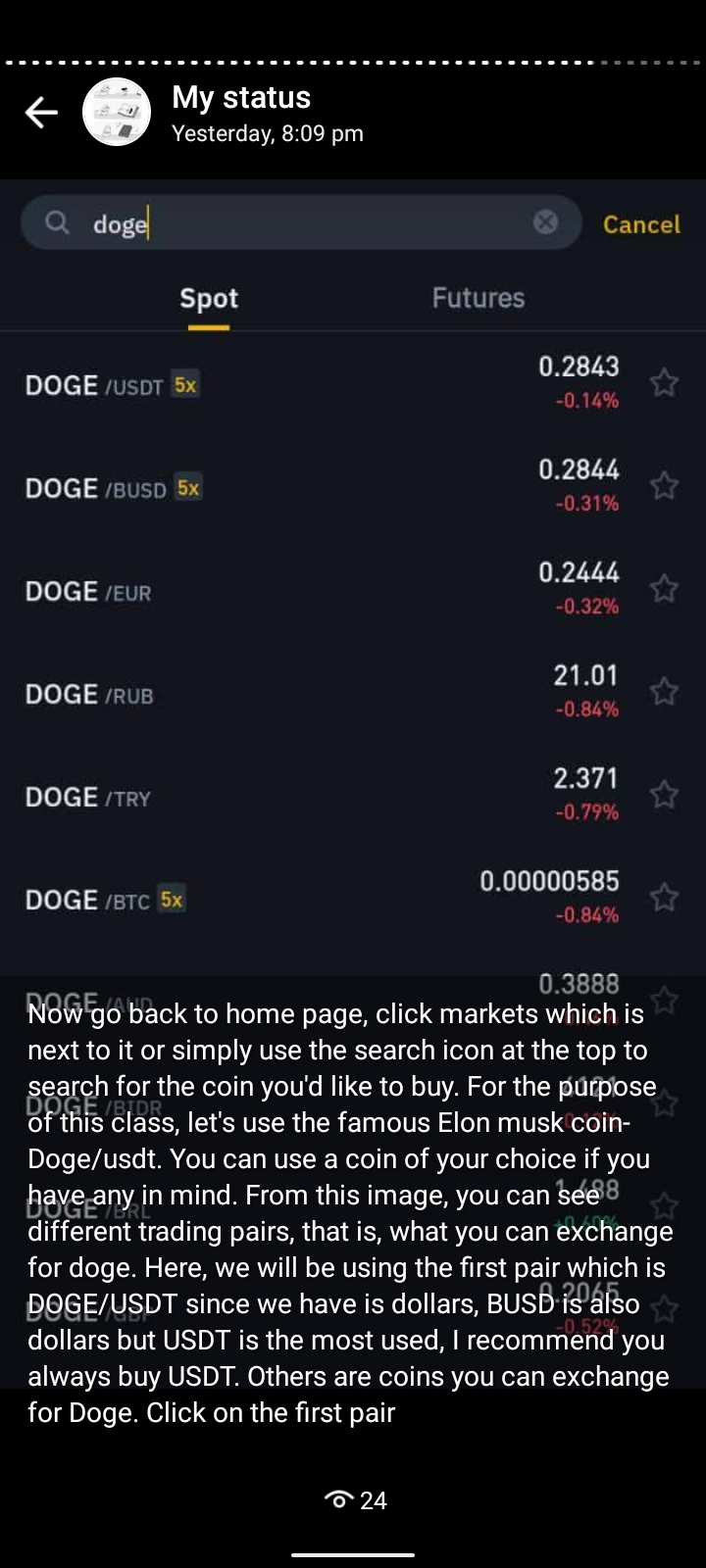
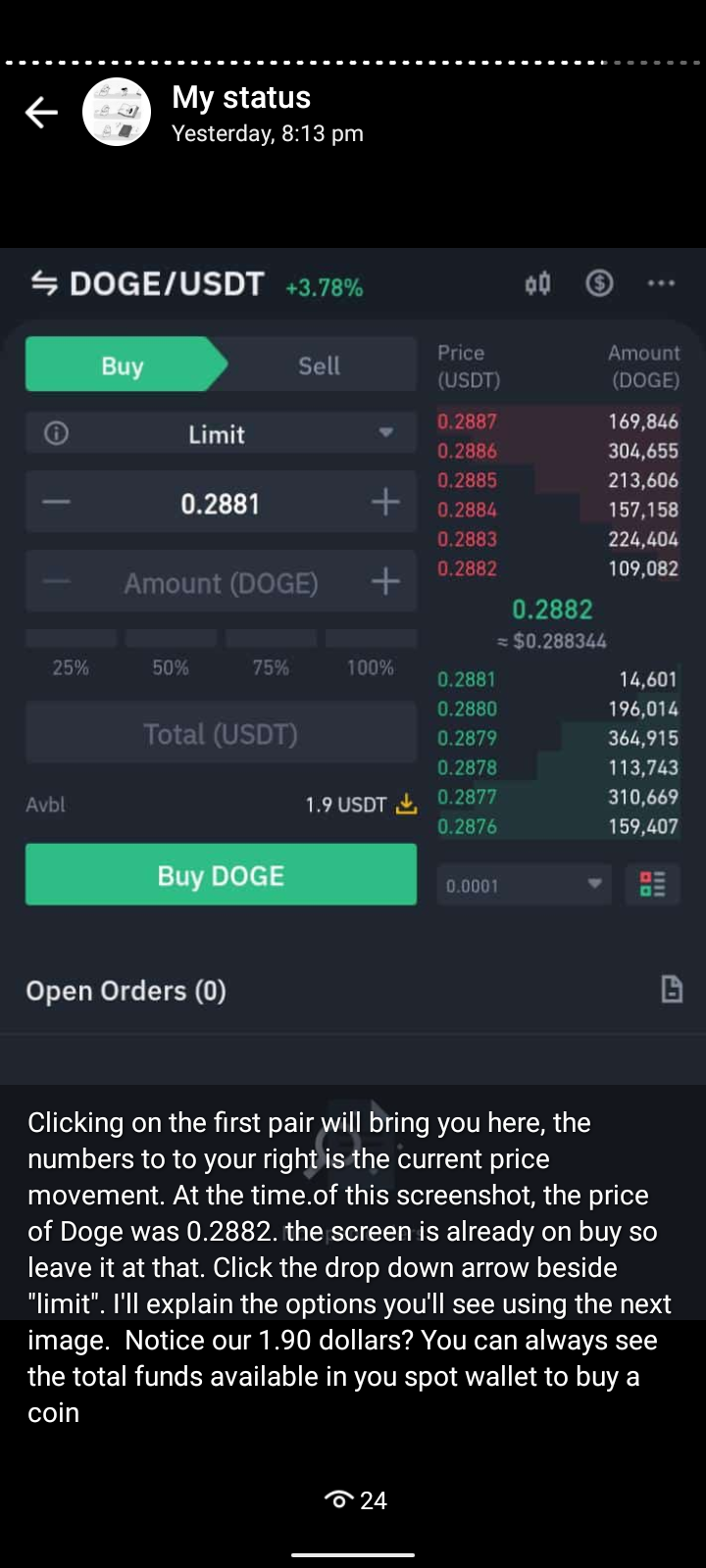
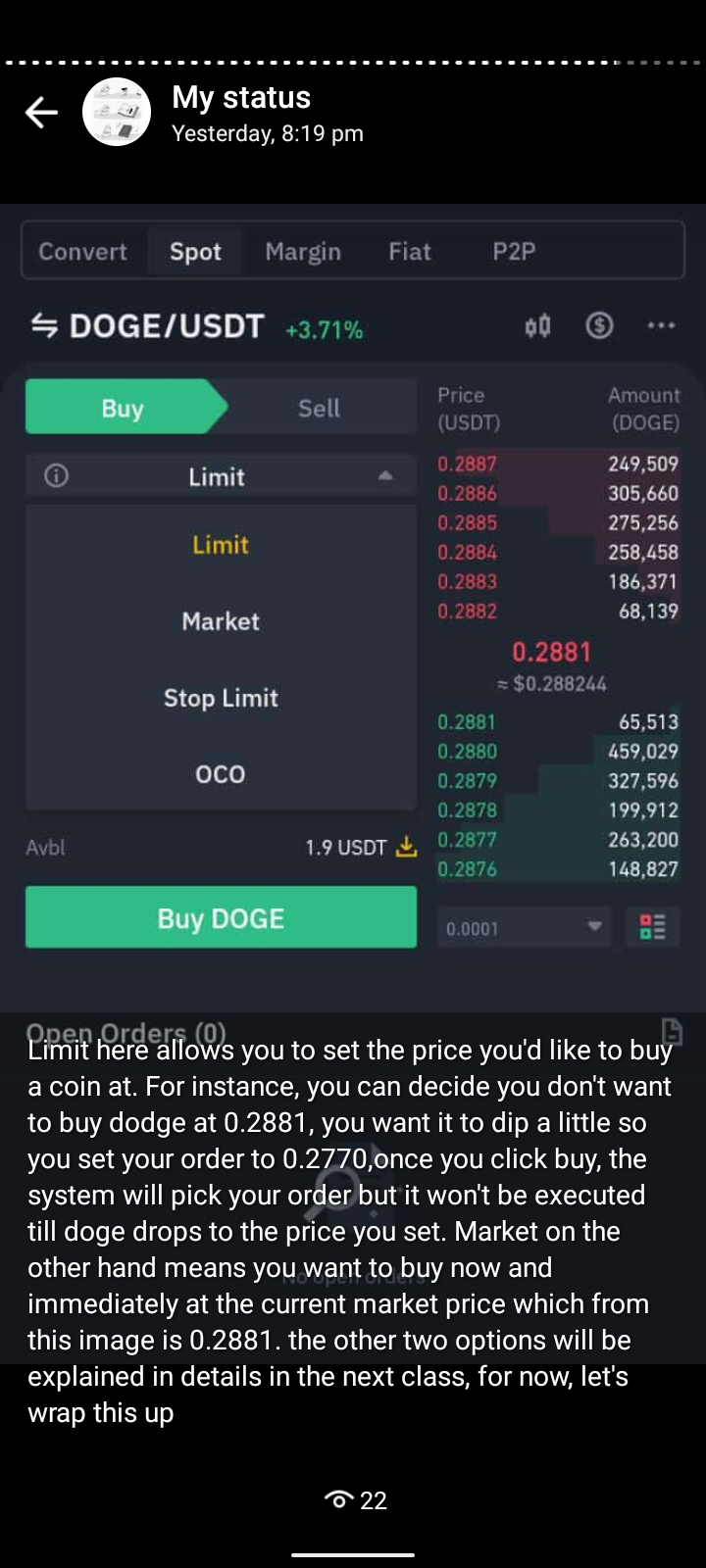
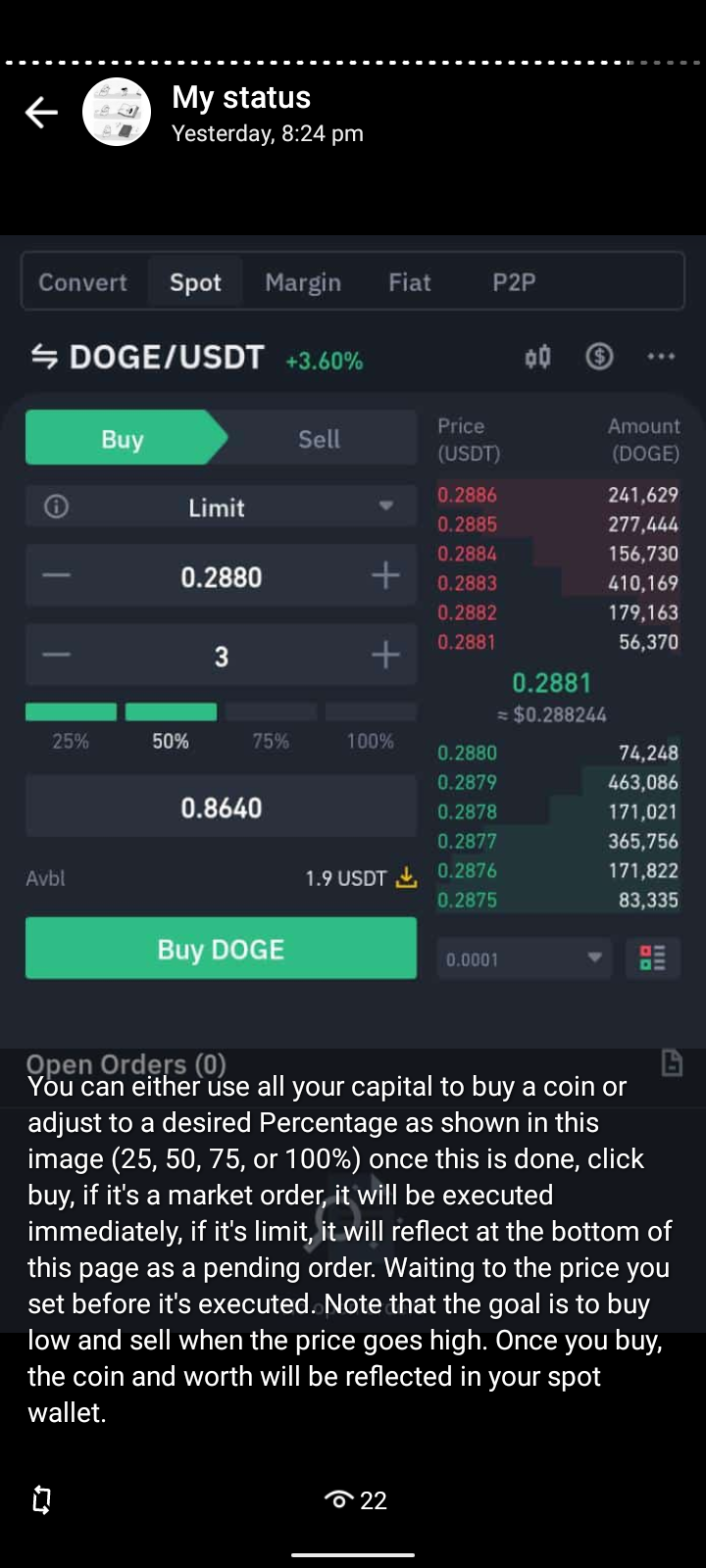
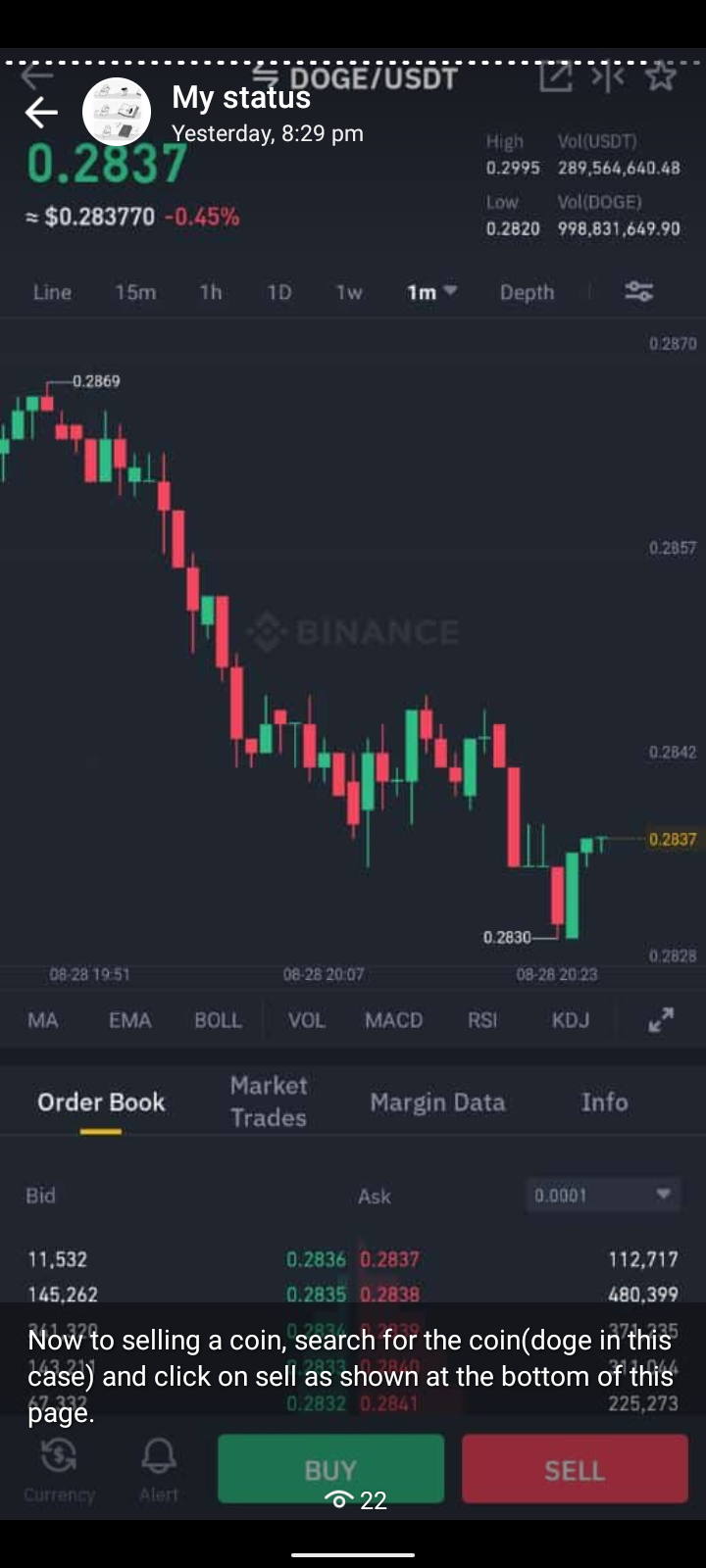
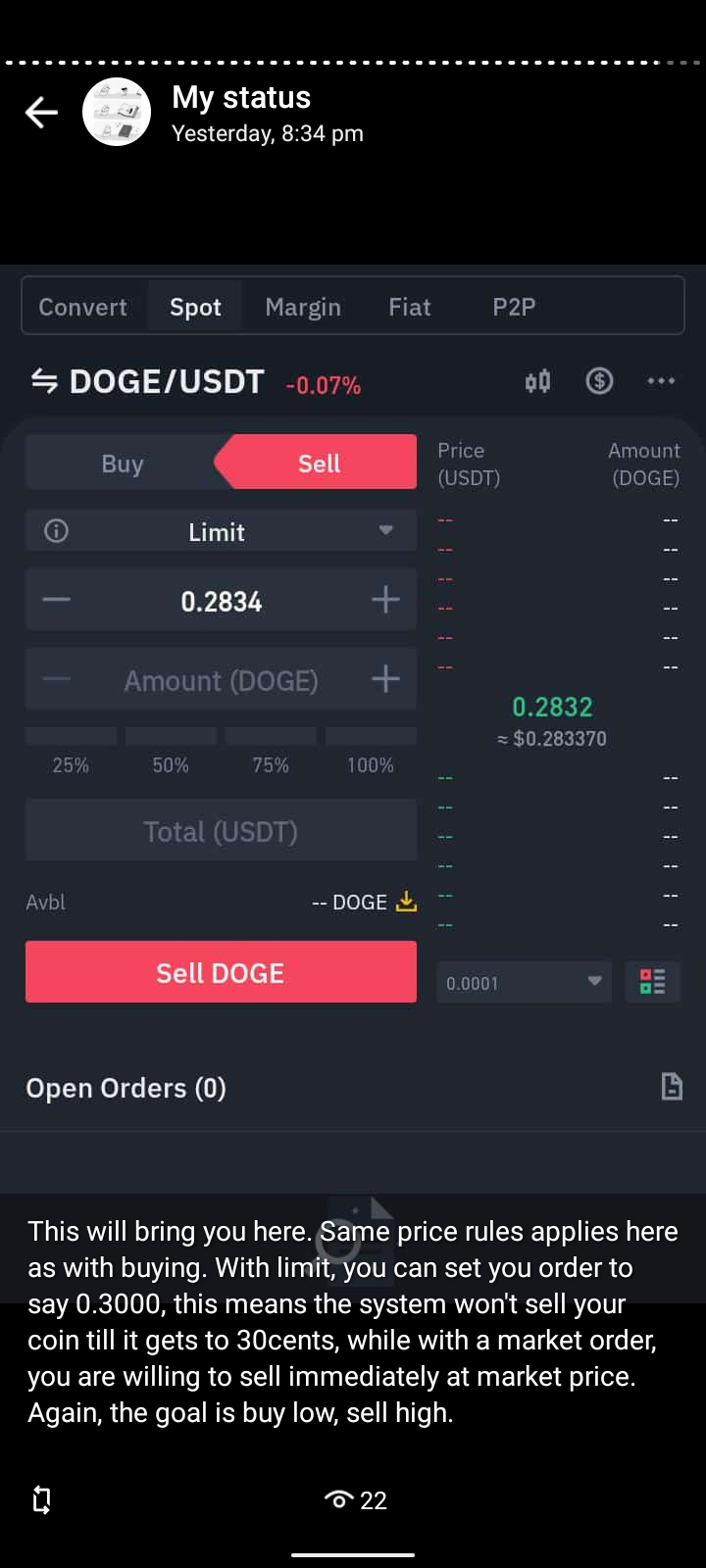
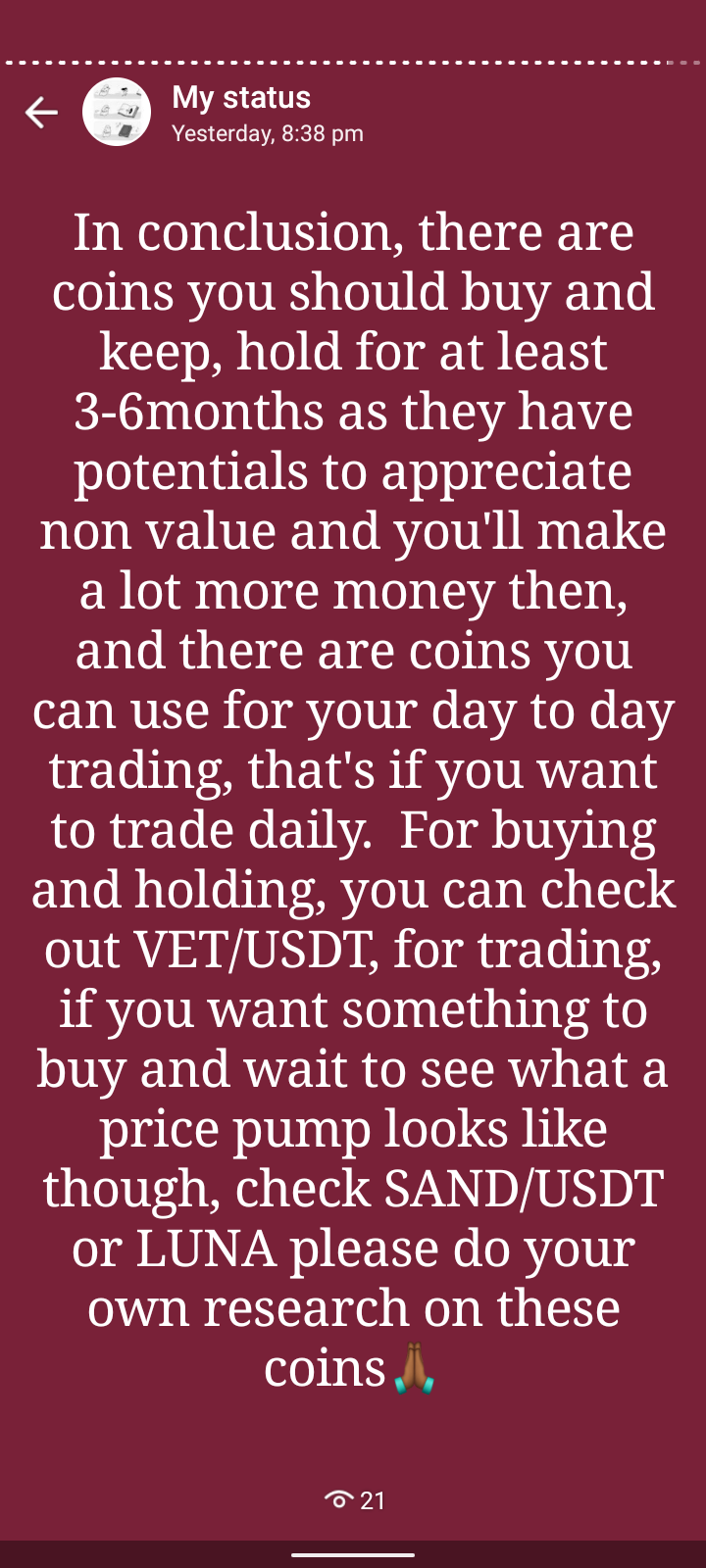
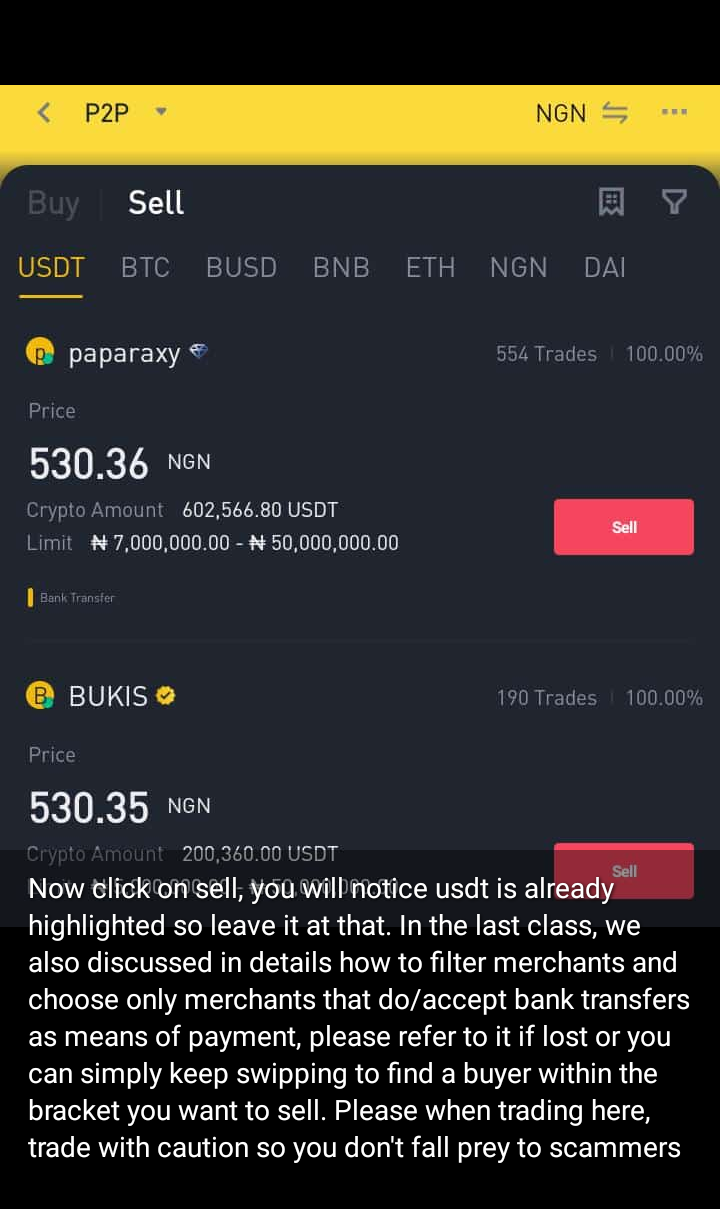
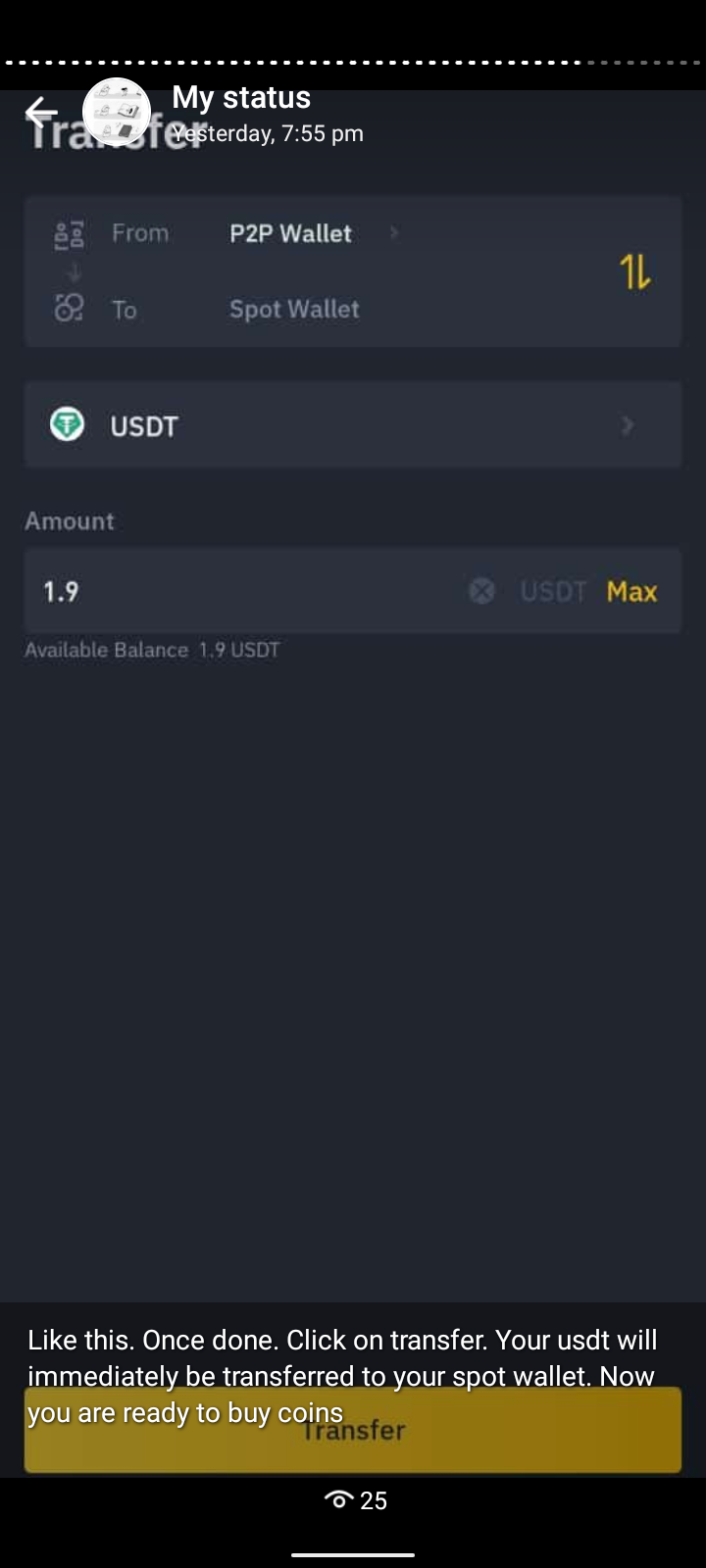
A collection of slides from my 3rd and last class on Spots trading – Crypto Trading for Beginners.

You can check out the 2nd class again here: Crypto Trading for Beginners 2: Understanding Order Types And How to Sell Your USDT

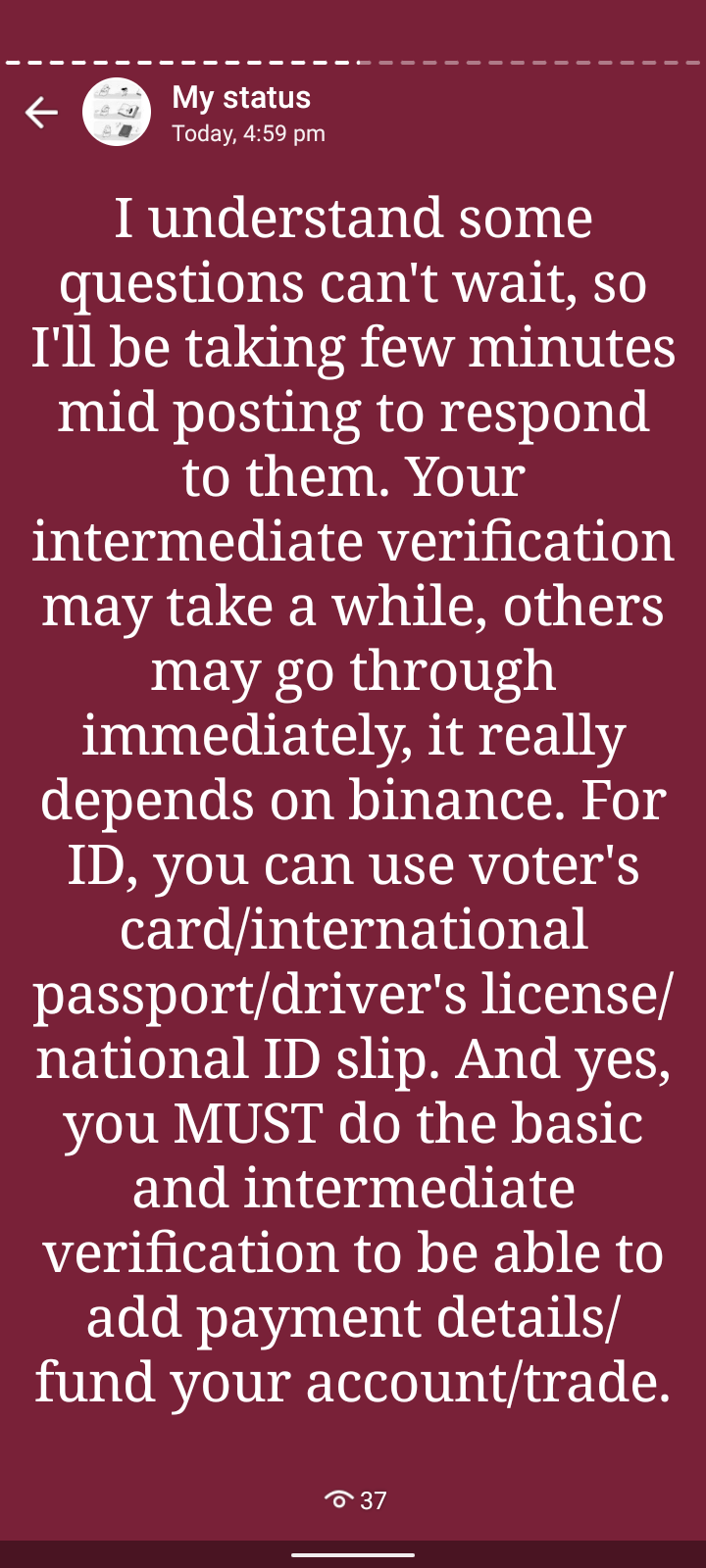
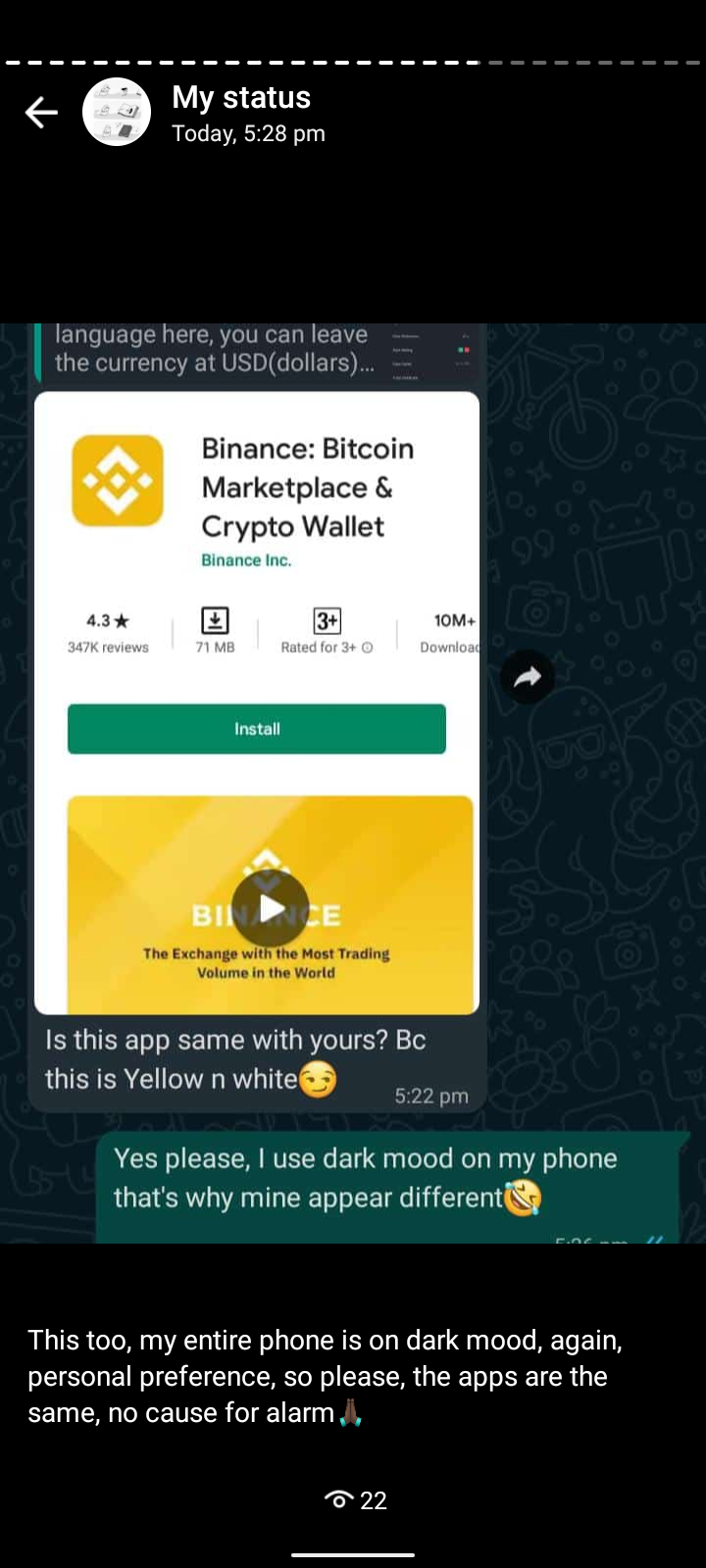
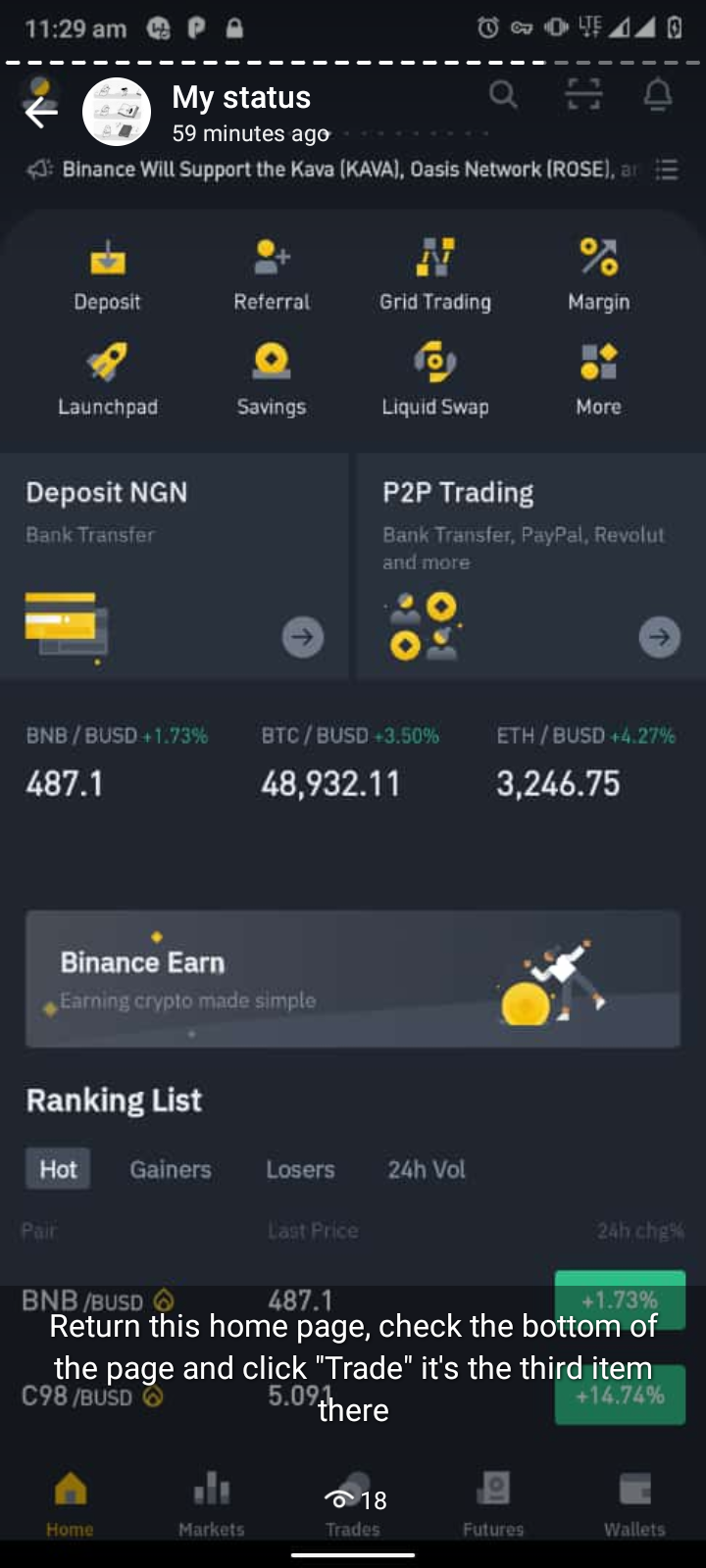
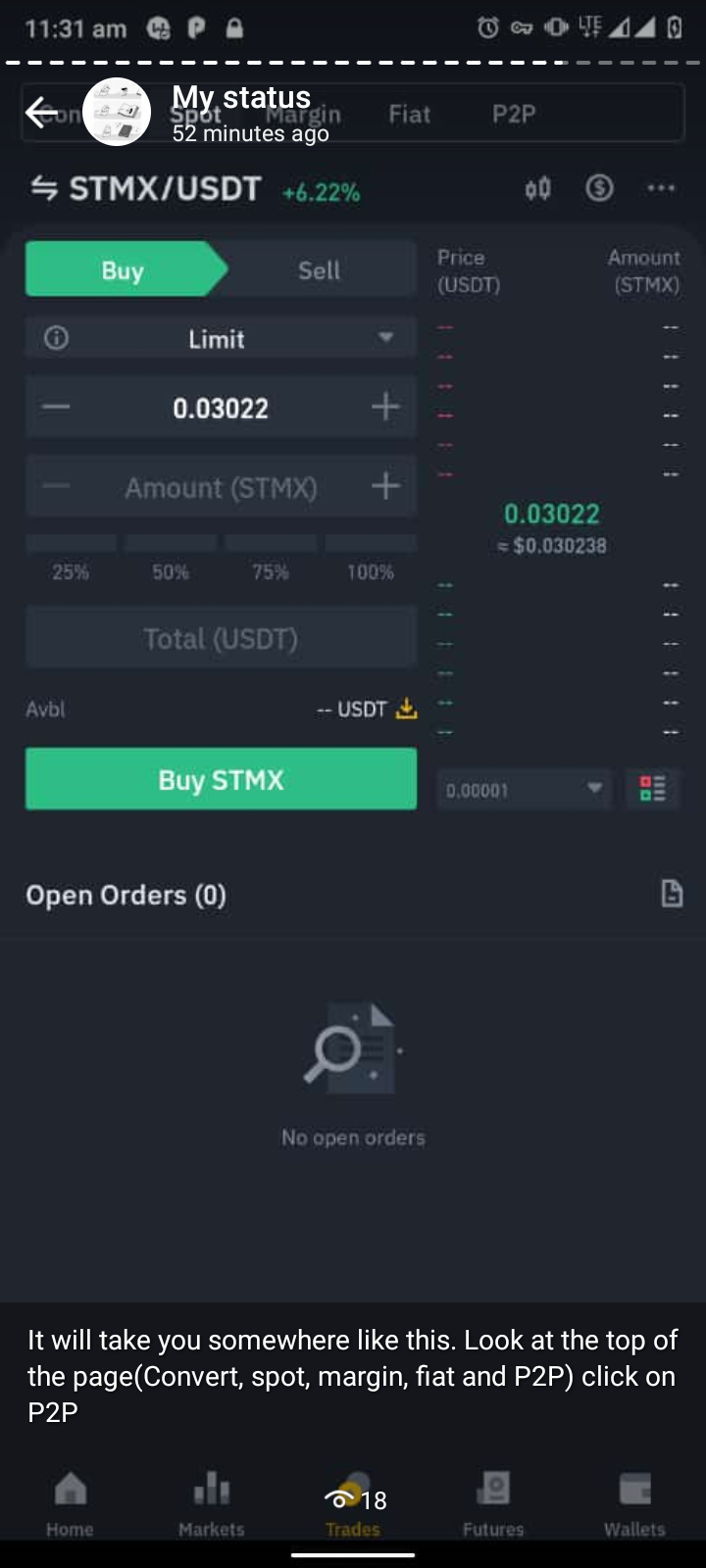
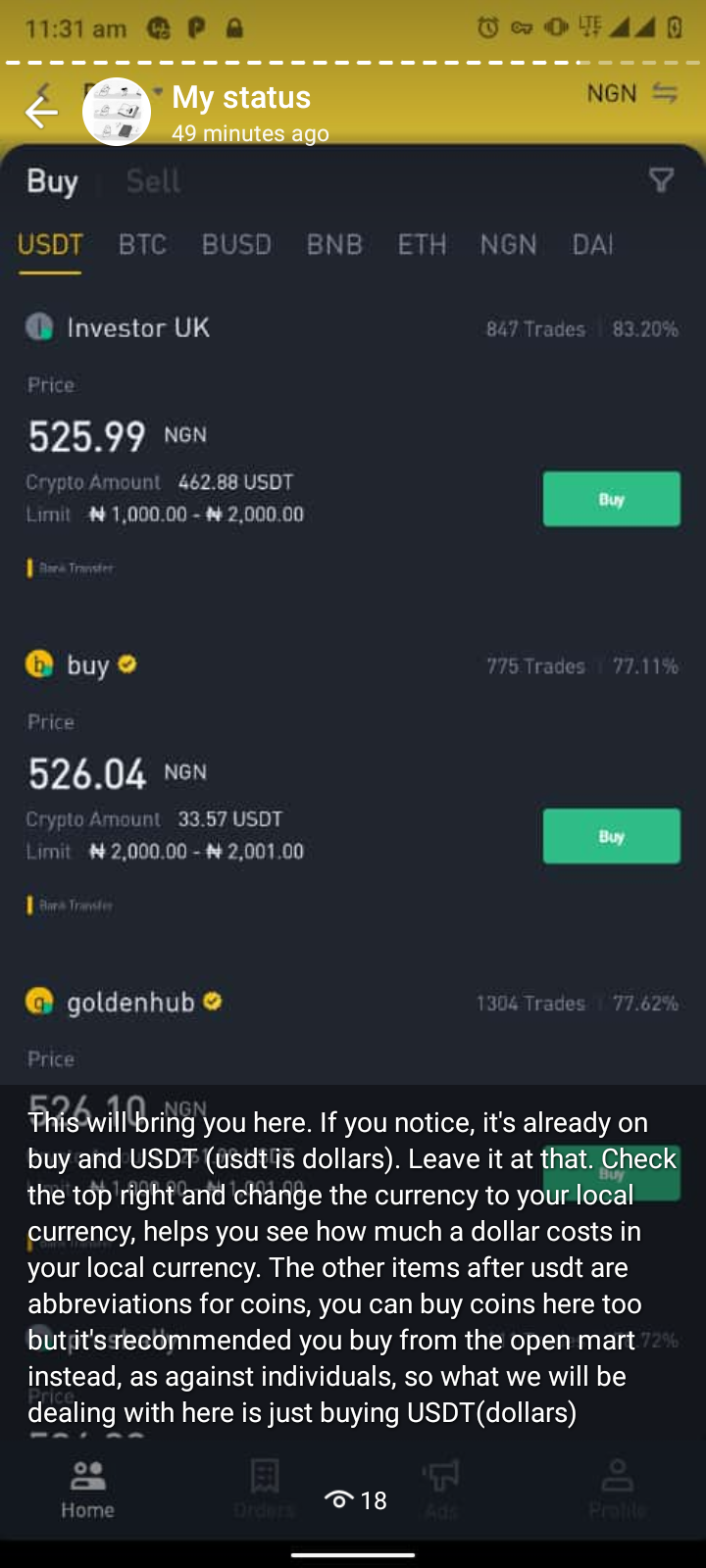
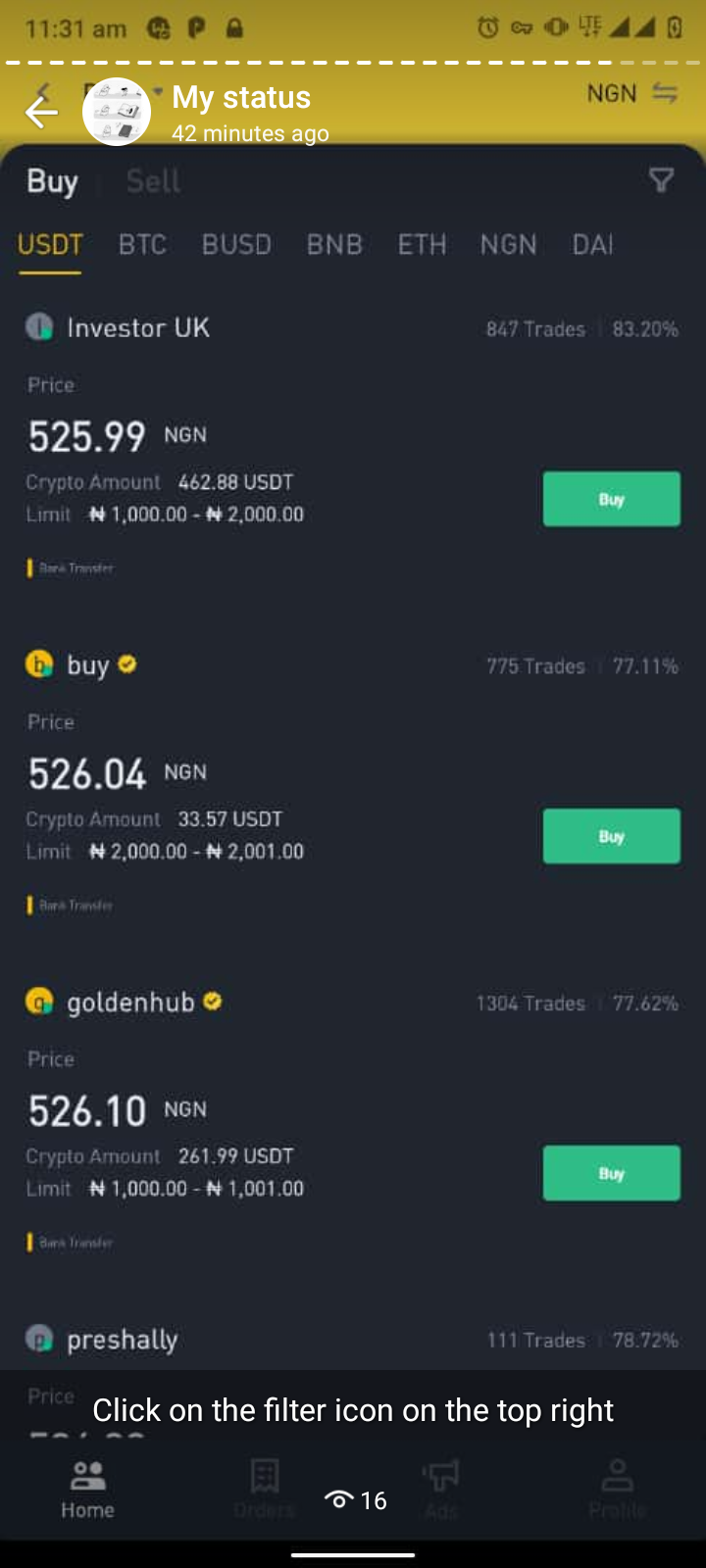
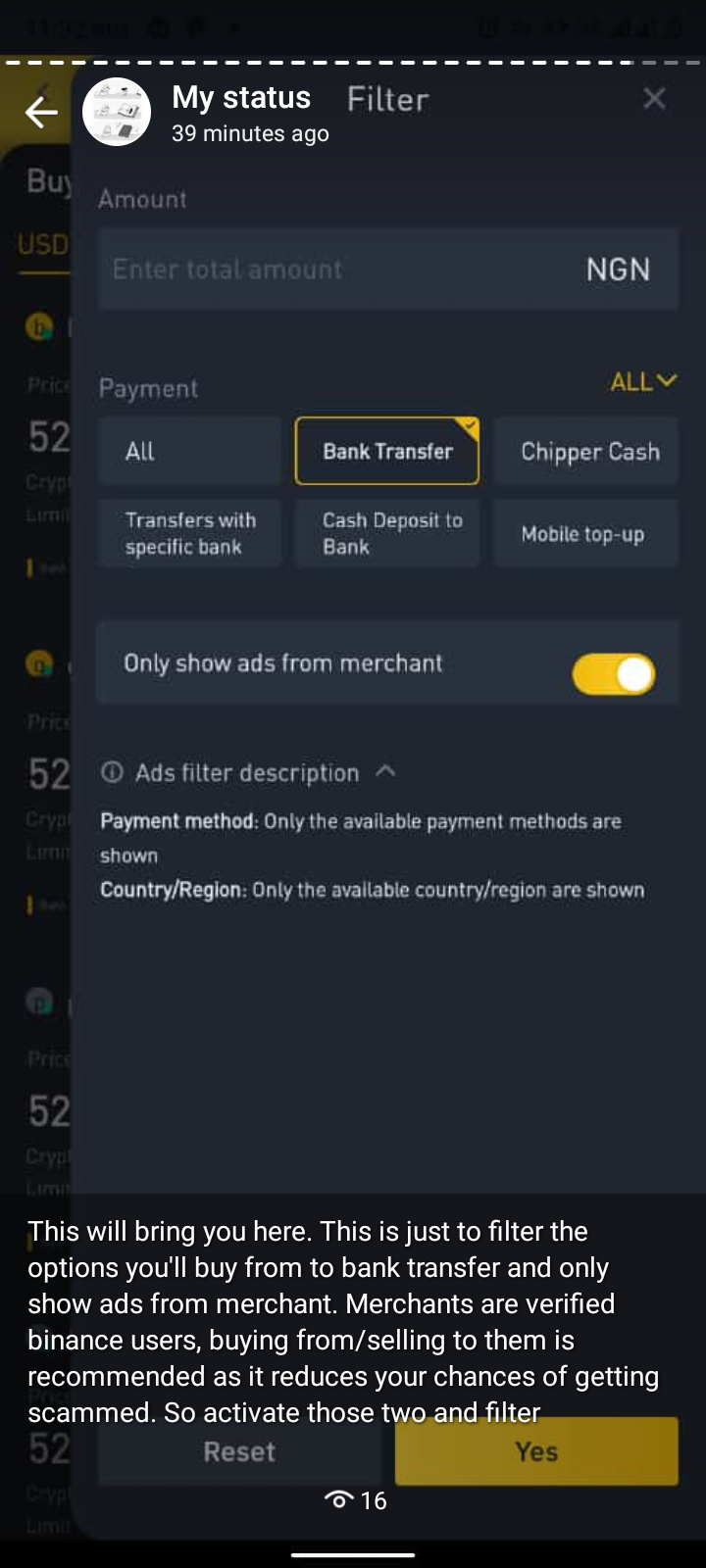
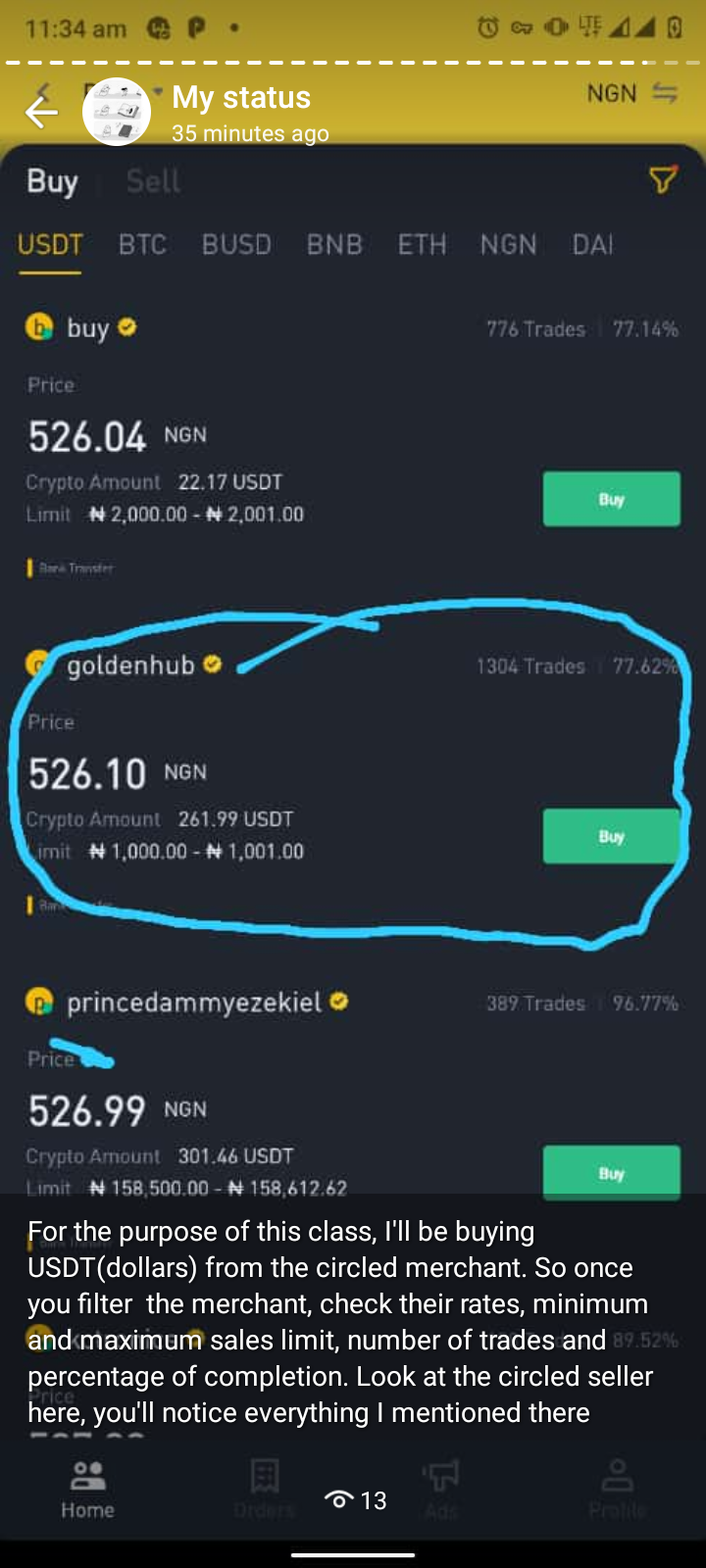
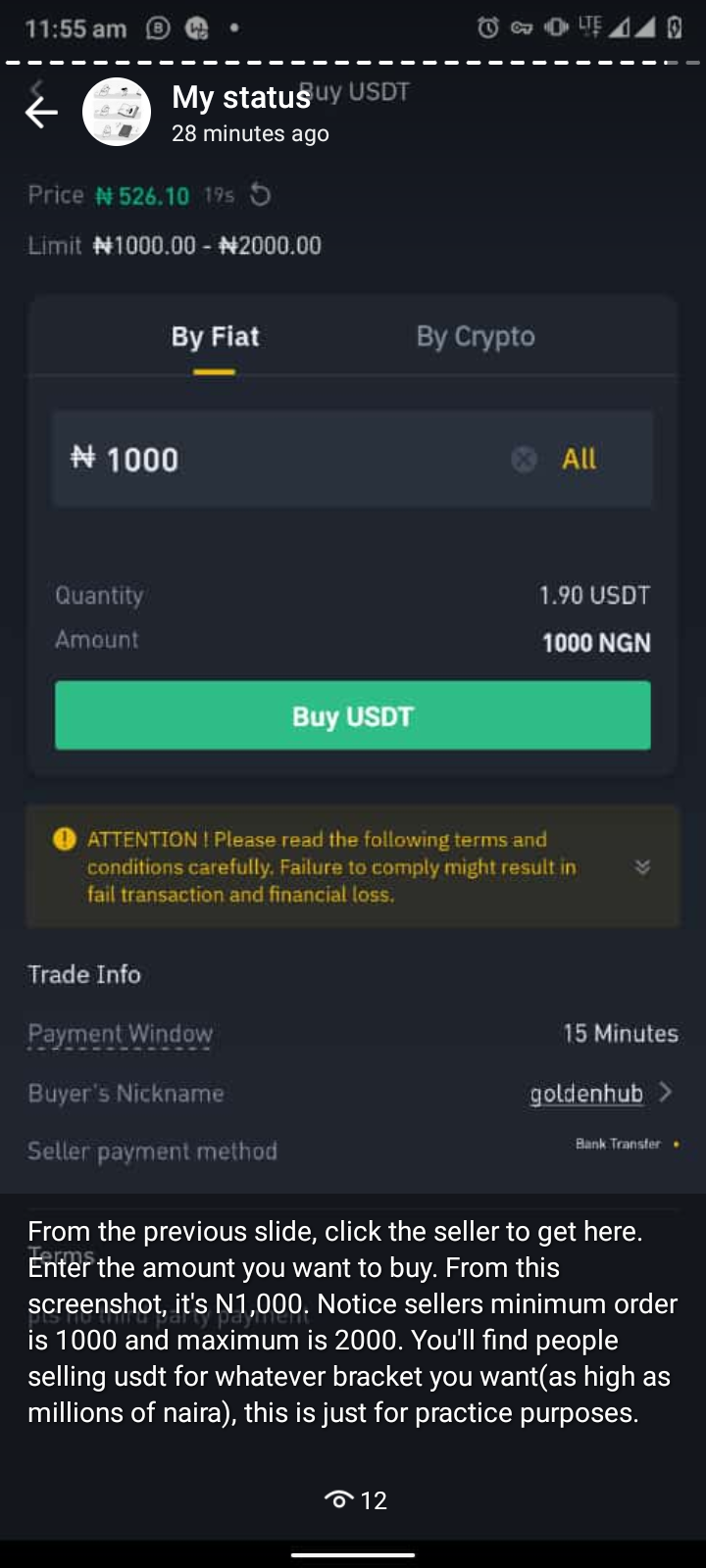
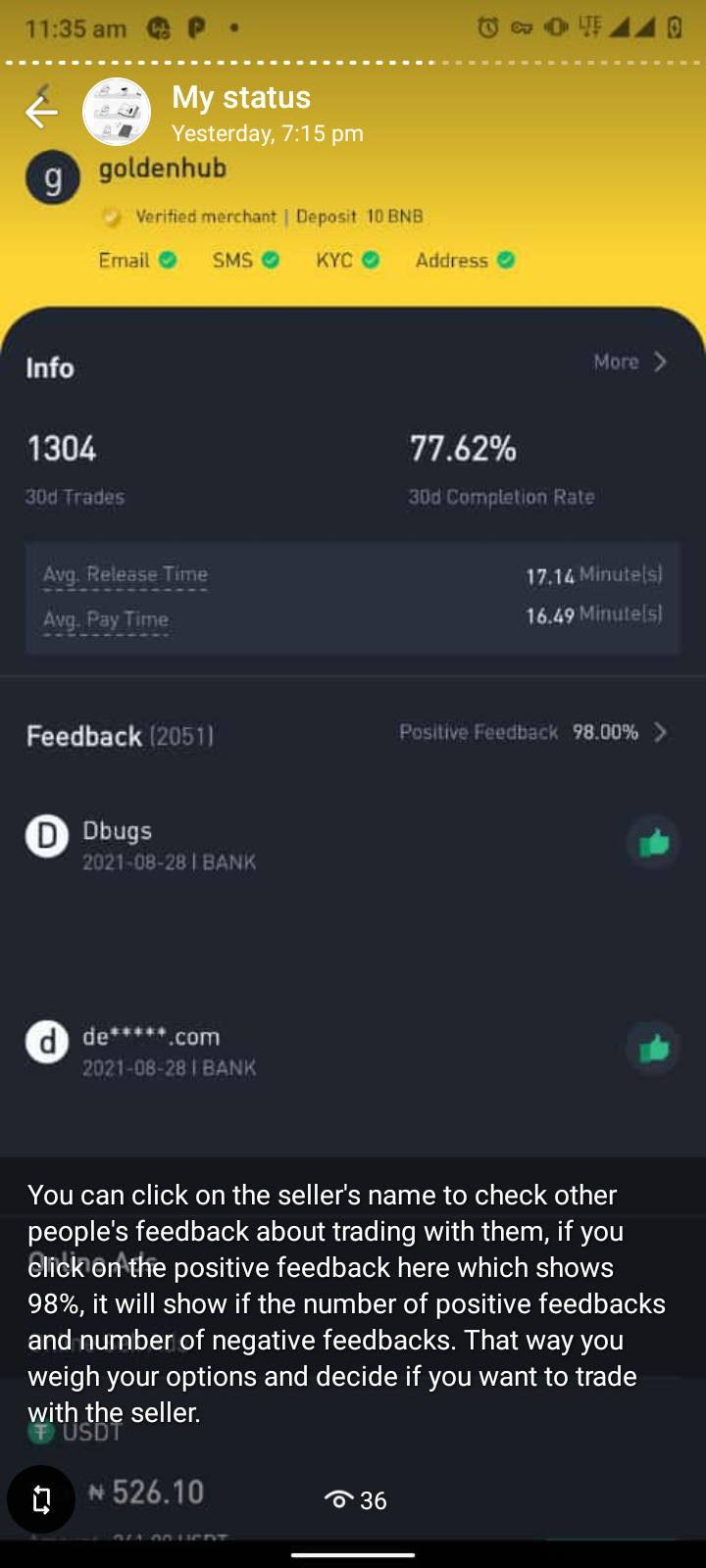
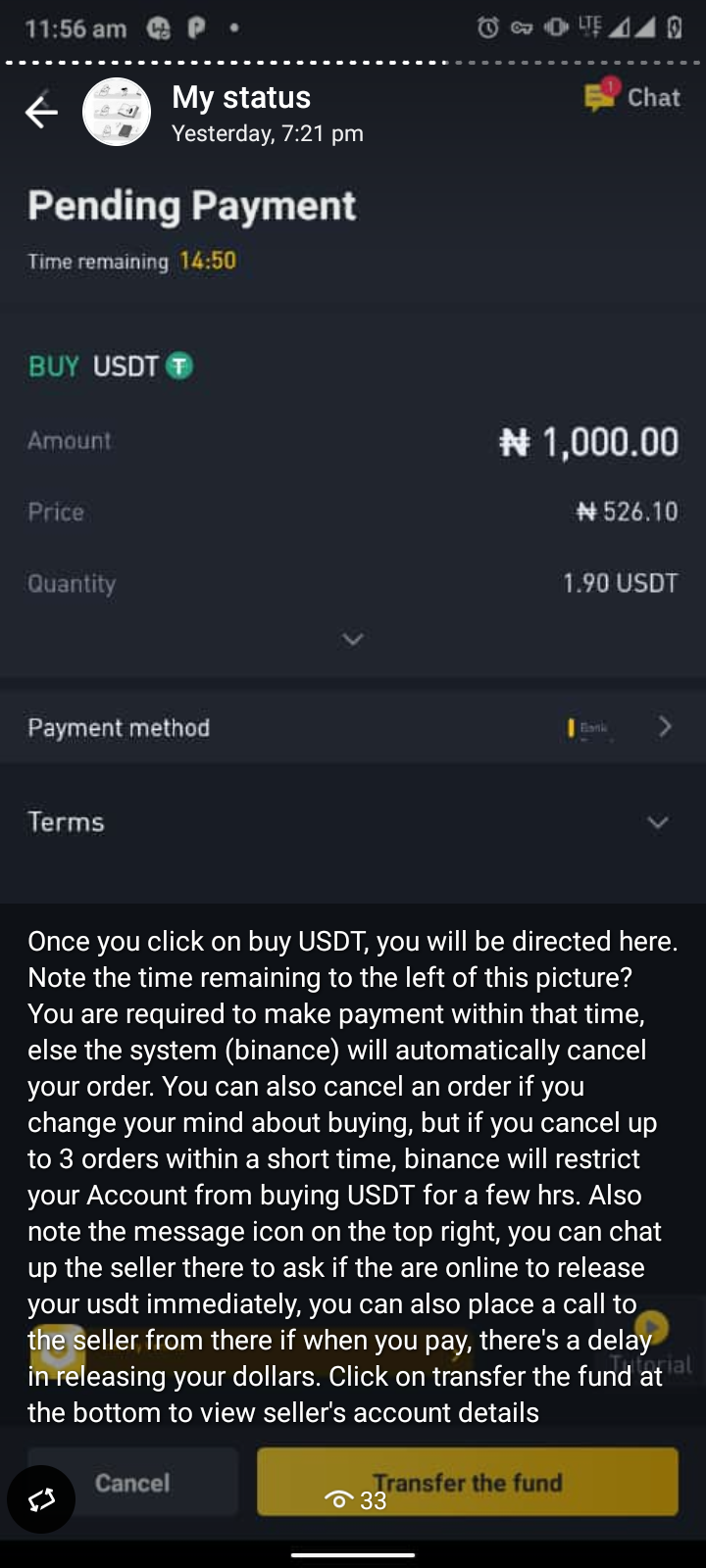
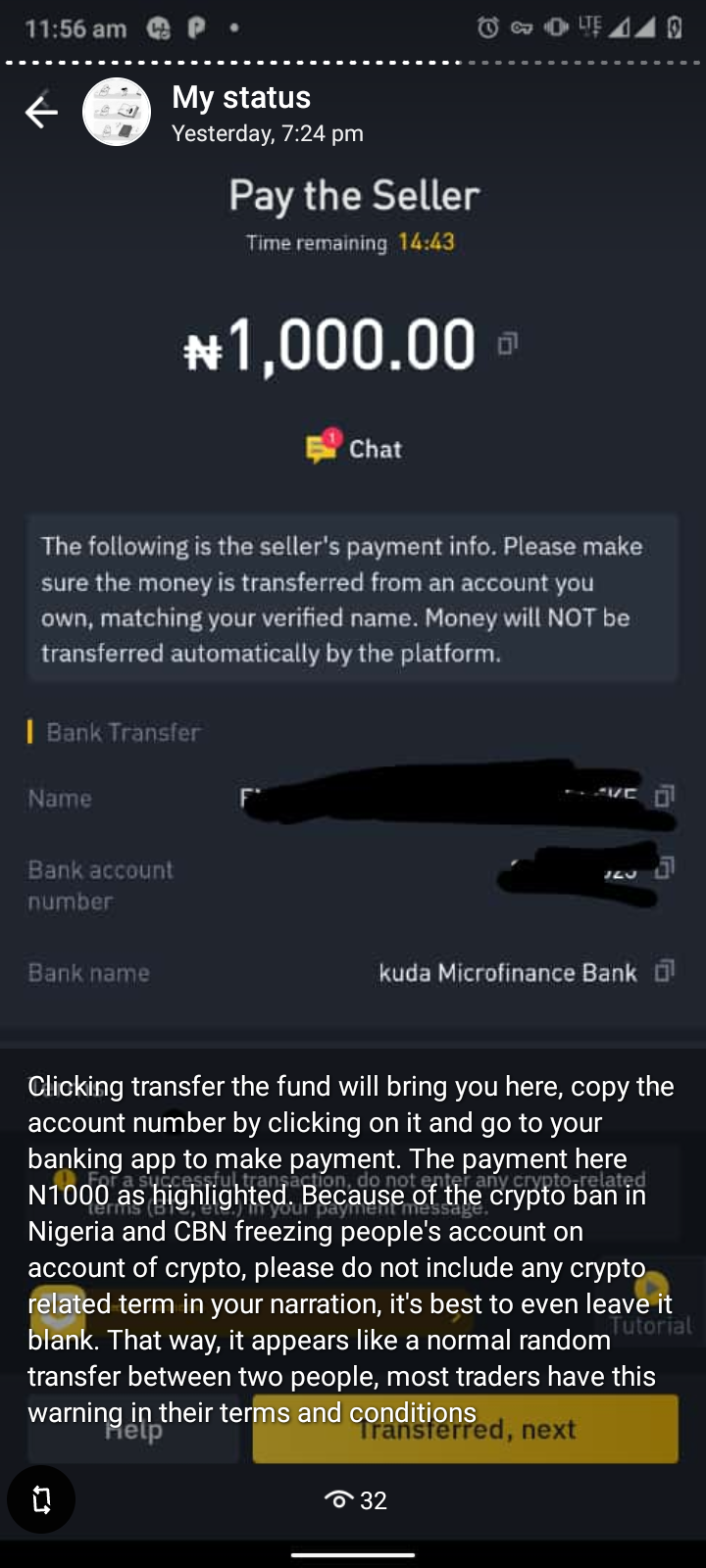
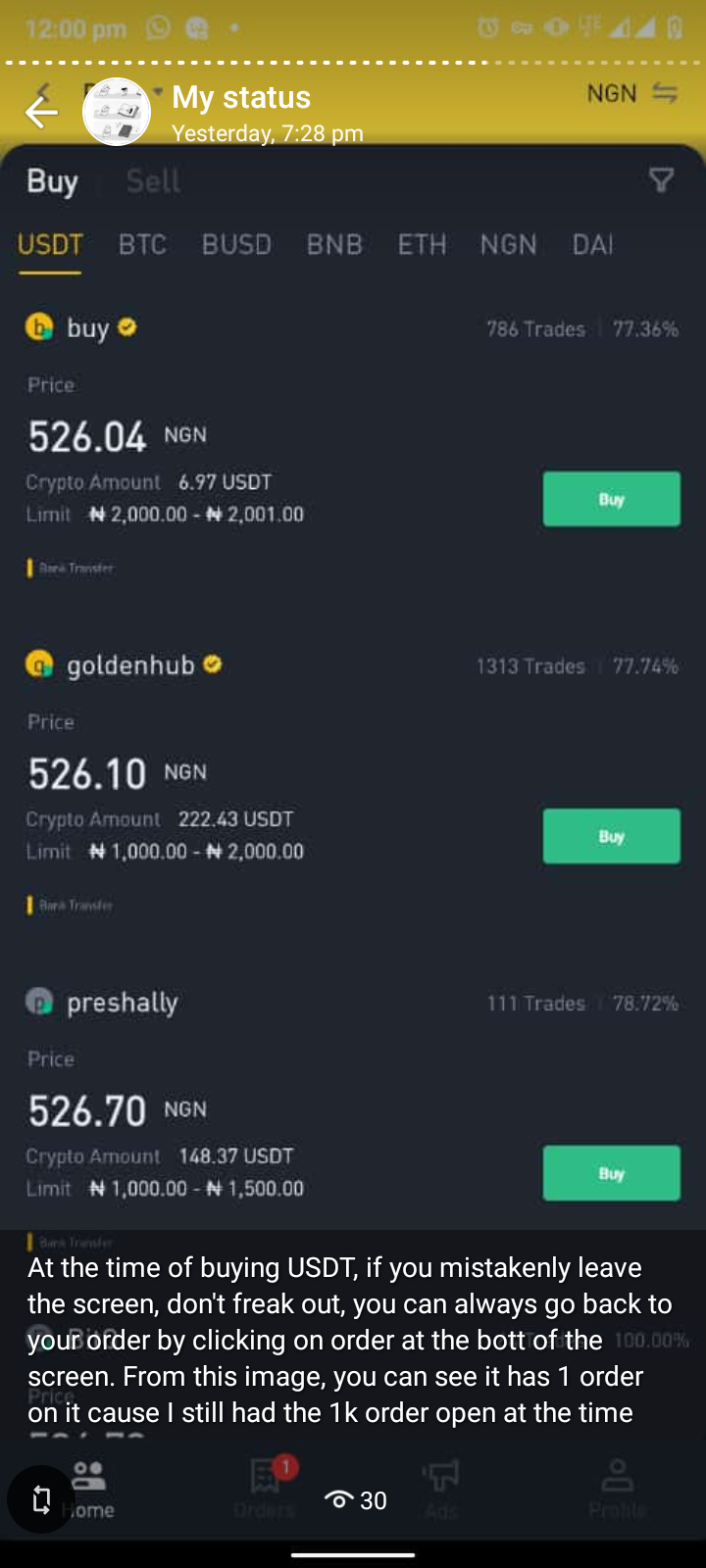
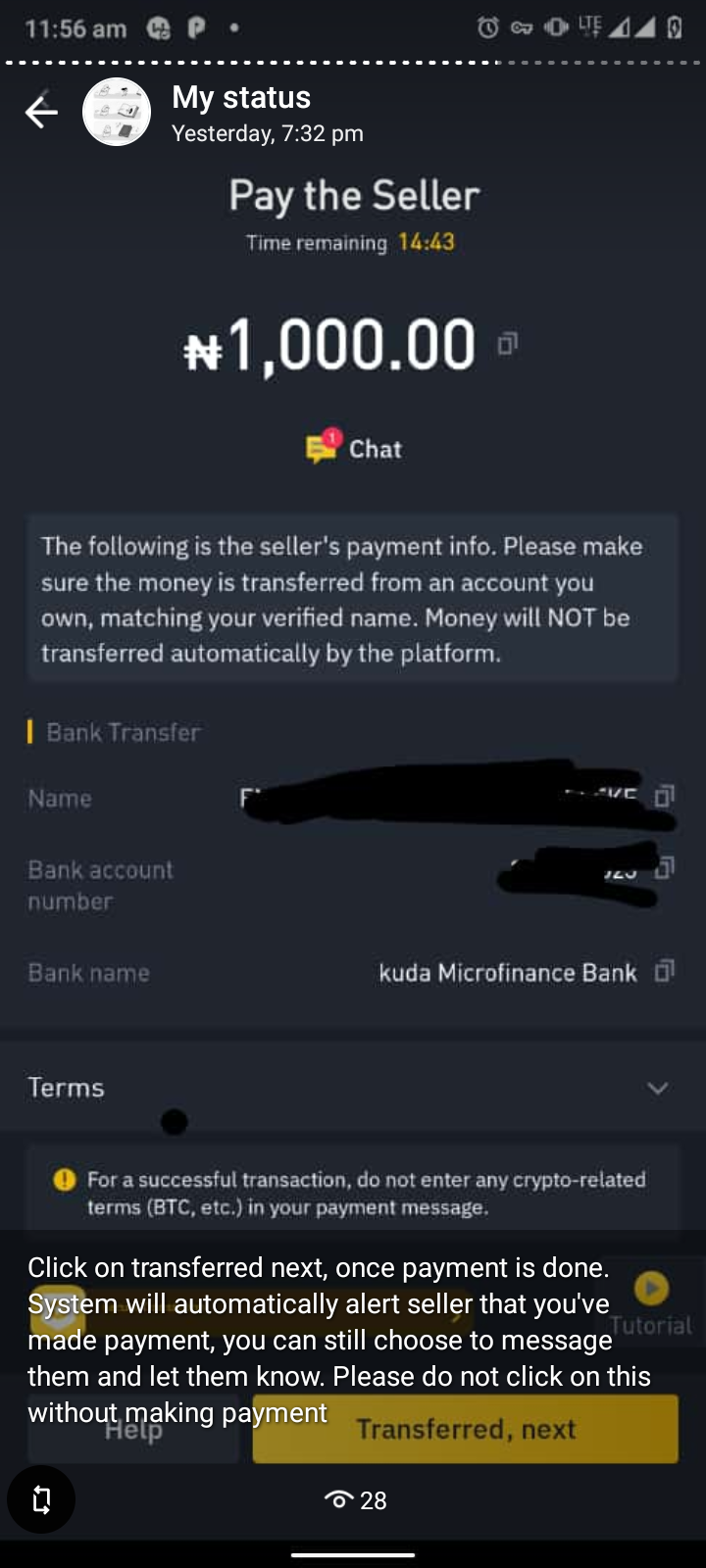
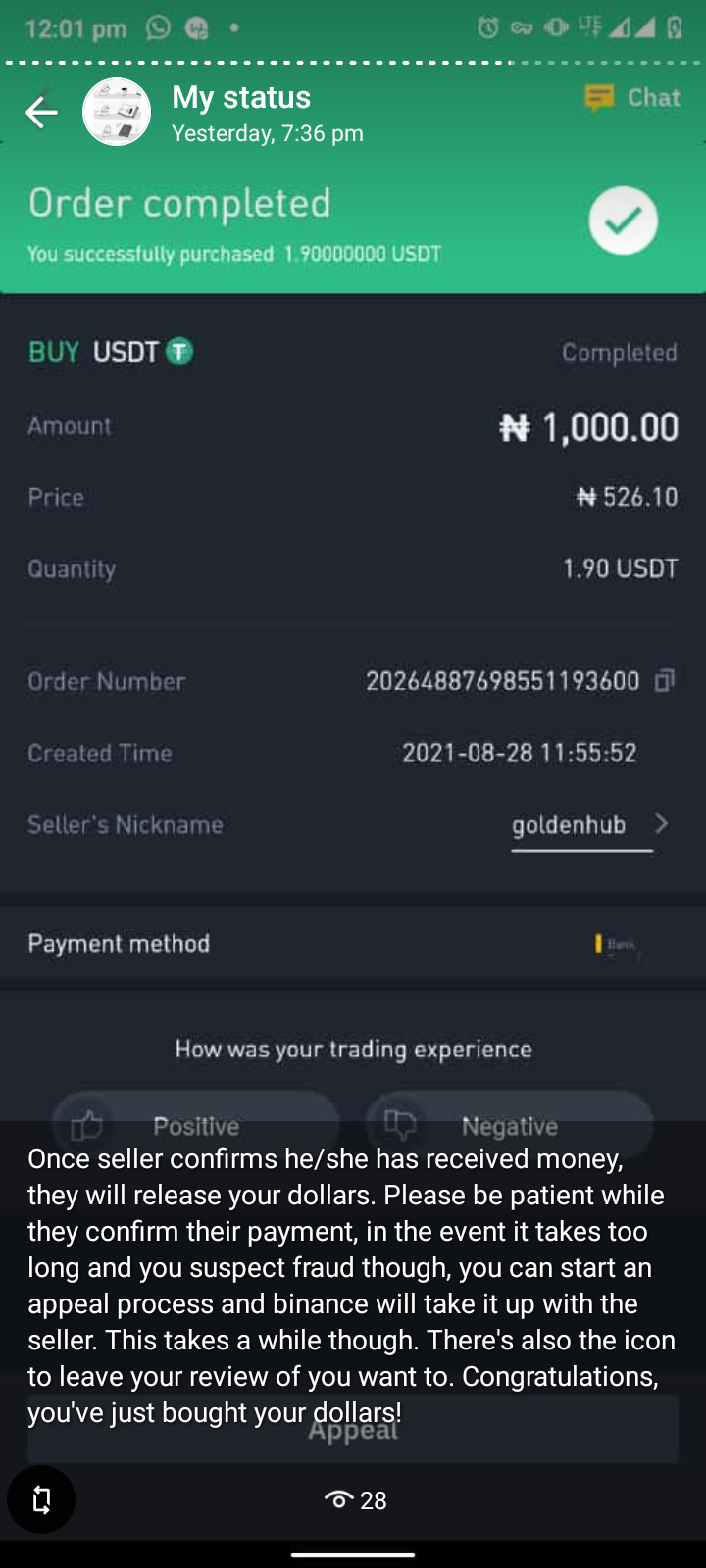
Every screenshot has a narration to it, please read these narrations so you’d know what you are to look out for. Do not skip any image else you’ll get stuck/lost ahead, again, this is for reference purposes and for the sake of people who may still be stuck somewhere in the first or second class. I’ll be available for questions (if any) via this link https://wa.me/message/6XFQCHN43N5BB1

P.S: Next class will be on futures trading, unlike spot, with futures, you can trade and make money both in a bullish and bearish market. The returns are way higher and faster but so are the risks, which is why this class will be conducted in an exclusive WhatsApp signal group, materials from this class won’t be shared here. To request being added to the group, please send a message via this link https://wa.me/message/6XFQCHN43N5BB1

  1. Link to the first class referenced in this screenshothttps://medium.com/@LazyBookJunkie/trading-crypto-for-beginners-cb49b319ca00

And the second class “TRADING CRYPTO FOR BEGINNERS 2” by LazyBookJunkie https://link.medium.com/jhgxbHfljjb

2.

3.

4.

5.

6.

7.

8.

9.

10.

11.

12.

13.

14.

15.

16.

17.

18.

Some of the coins that have been recommended through the class are👇🏿

You can’t possibly buy every coin, pick at least 5 or 10 or whatever number you are comfortable with and build a strong portfolio one coin at a time. See you at the top🤝🤝🤝🤝🤝

Created and Compiled by: LazyBookJunkie

Crypto Trading for Beginners 2: Understanding Order Types And How to Sell Your USDT

1

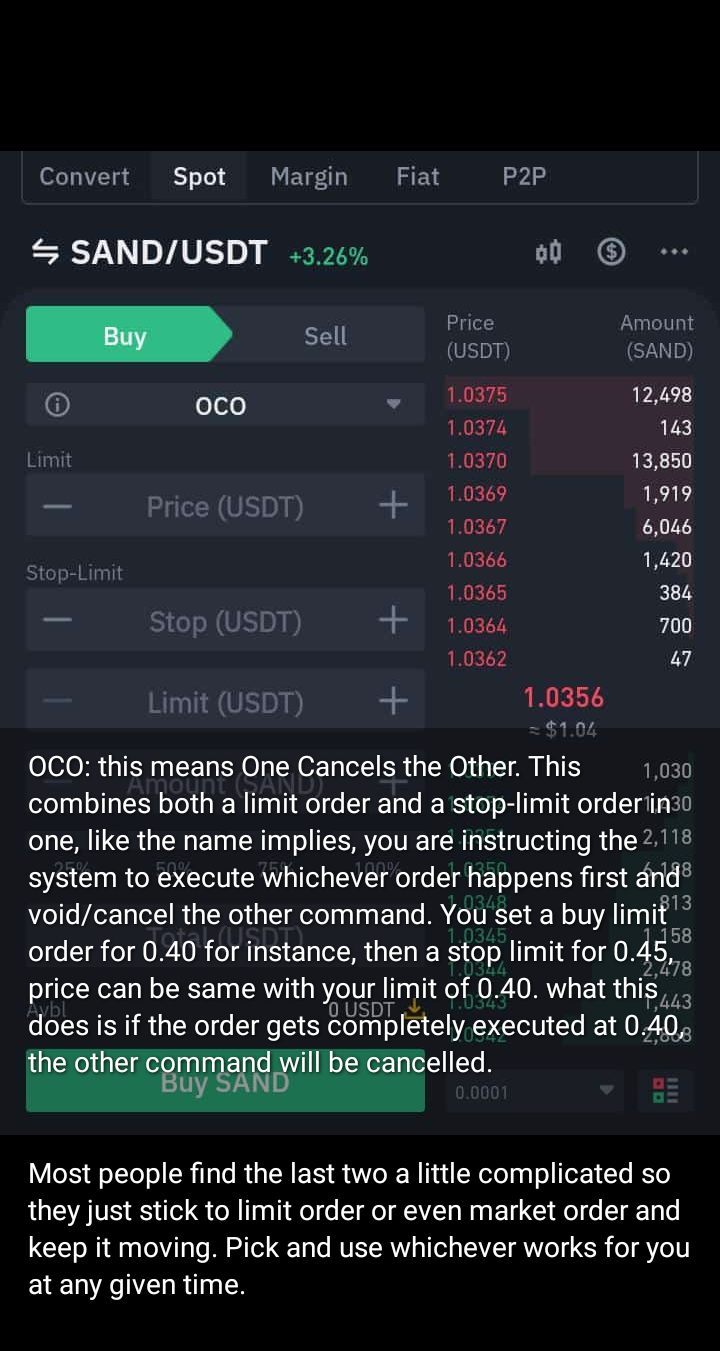
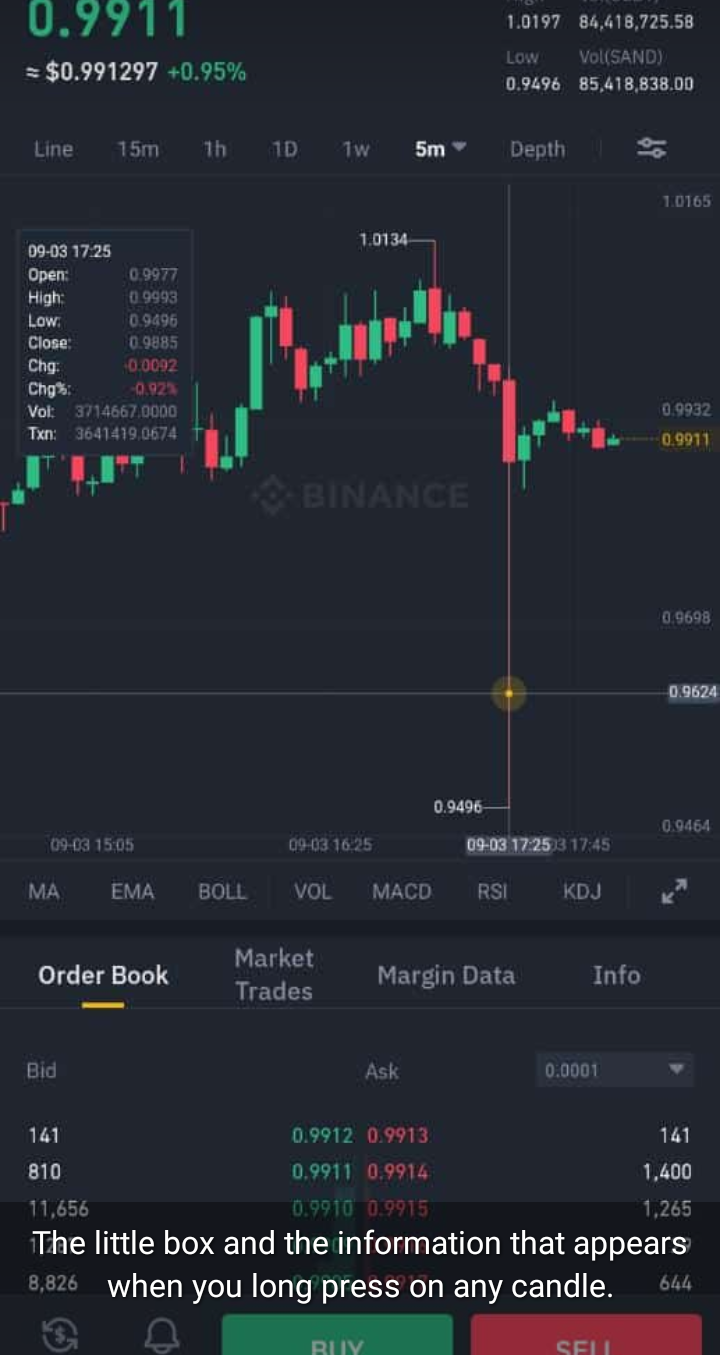
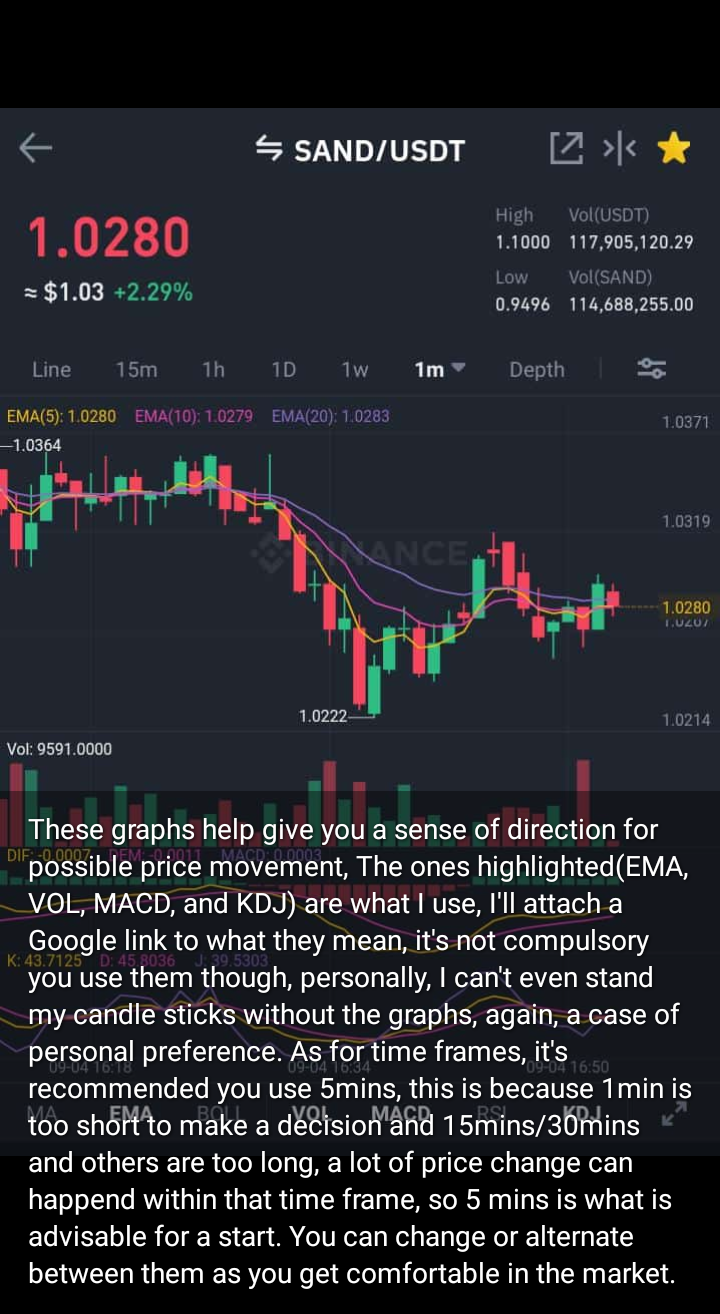
A collection of slides from my second crypto class. Classes hold every Saturday by 4pm on WhatsApp Status. Every screenshot has a narration to it, please read these narrations so you’d know what you are to look out for. Do not skip any image else you’ll get stuck/lost ahead, again, this is for reference purposes and for the sake of people who may still be stuck somewhere in the first class.

Missed the first class?: Crypto Trading for Beginners 1: The Basics/Foundation

I’ll be available for questions(if any) on WhatsApp via this, link https://wa.me/message/6XFQCHN43N5BB1

  1. Link to the first crypto class referenced in this first image https://medium.com/@LazyBookJunkie/trading-crypto-for-beginners-cb49b319ca00

2.

3.

4.

5.

6.

7.

8.

9.

10.

11.

12.

13.

14.

15.

16.

17.

18.

19.

20.

21.

22.

23.

24.

25.

26.

27.

28.

29.

30.

31.

32.

33.

34.

iammagnus.com crypto

Created and Compiled by: LazyBookJunkie

Crypto Trading for Beginners 1: The Basics/Foundation

1

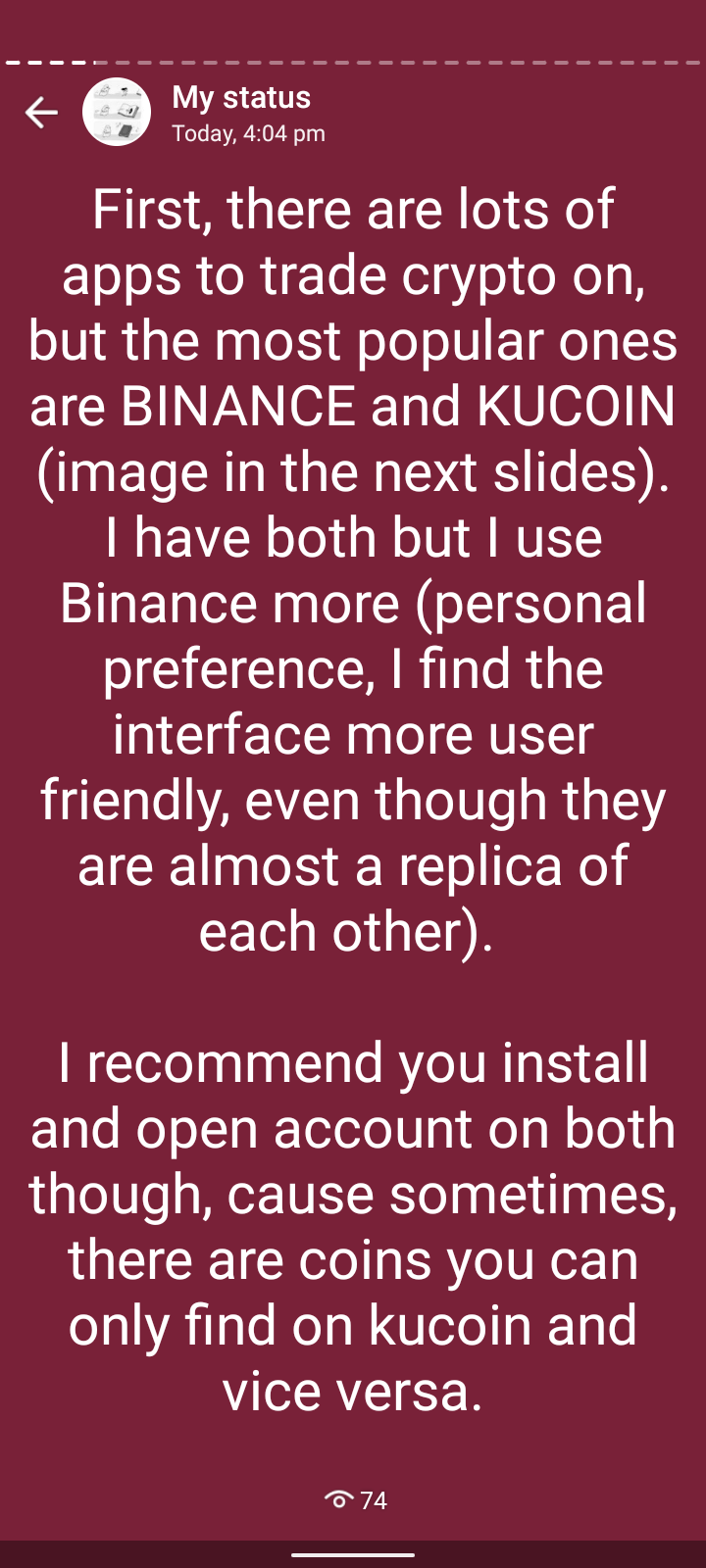
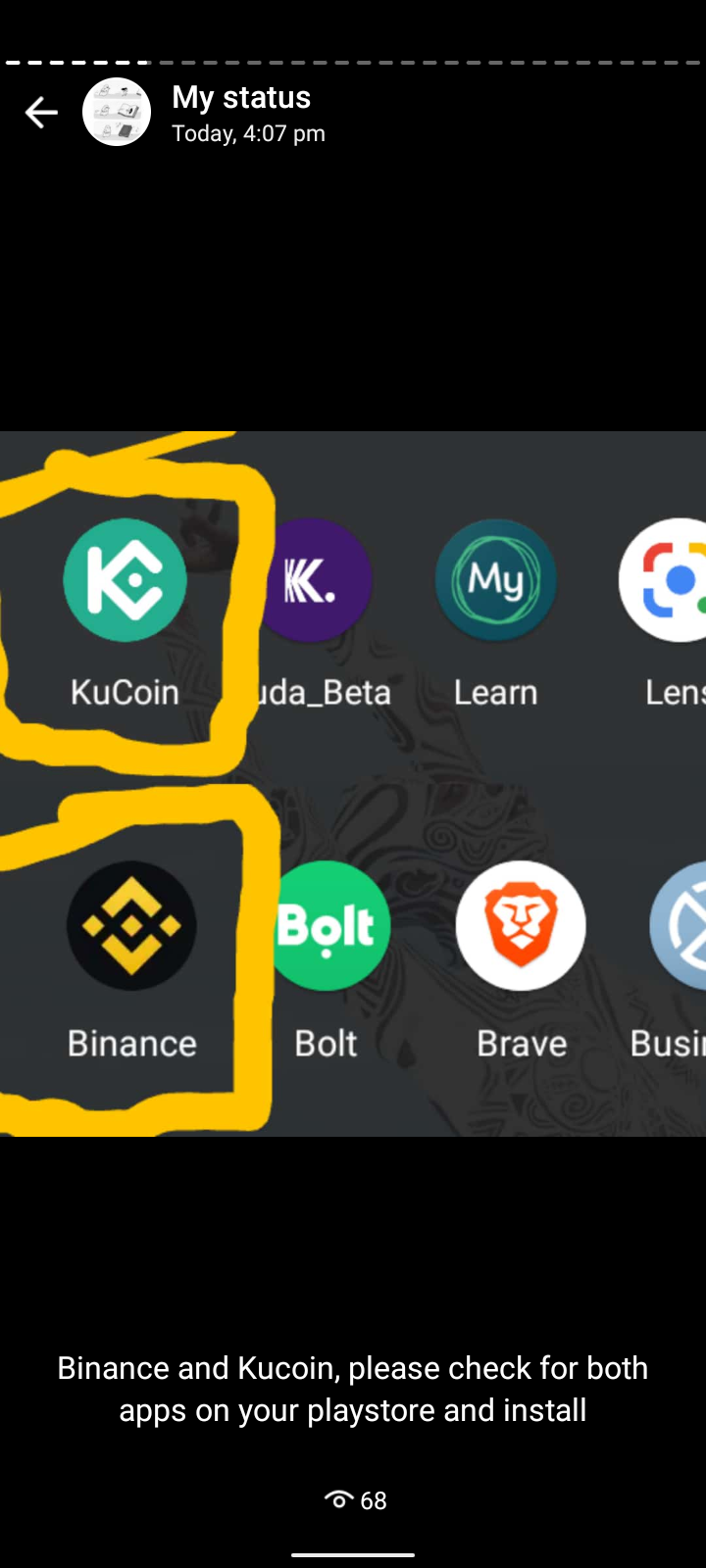
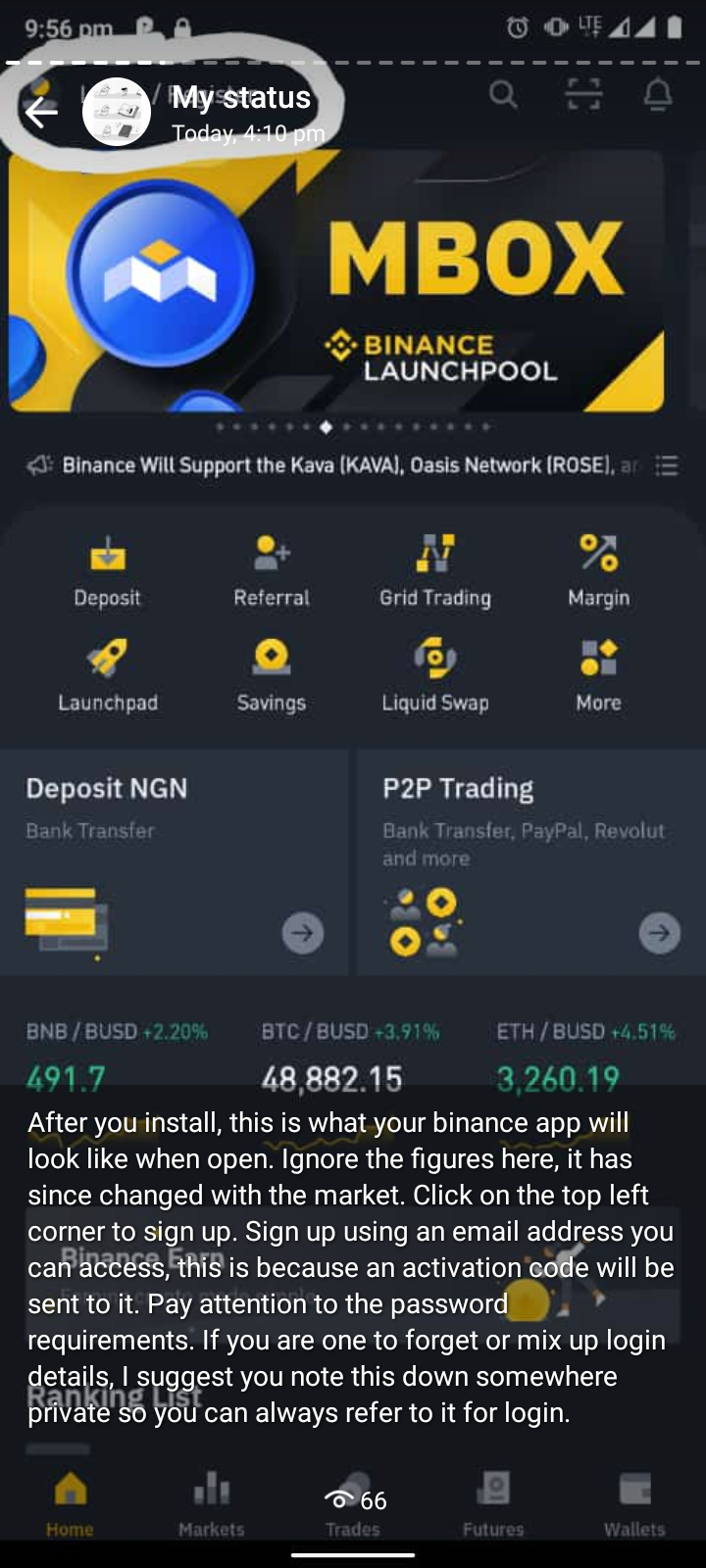
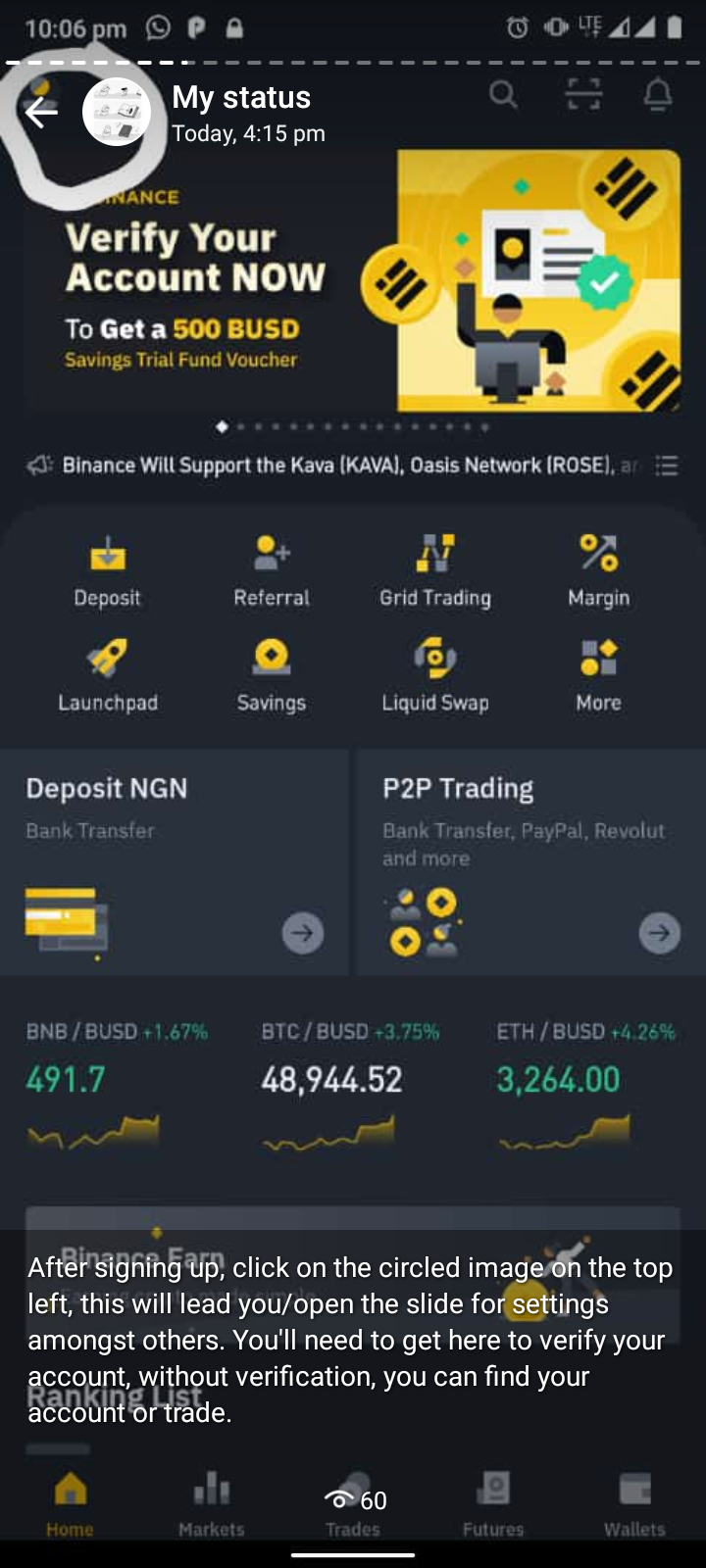
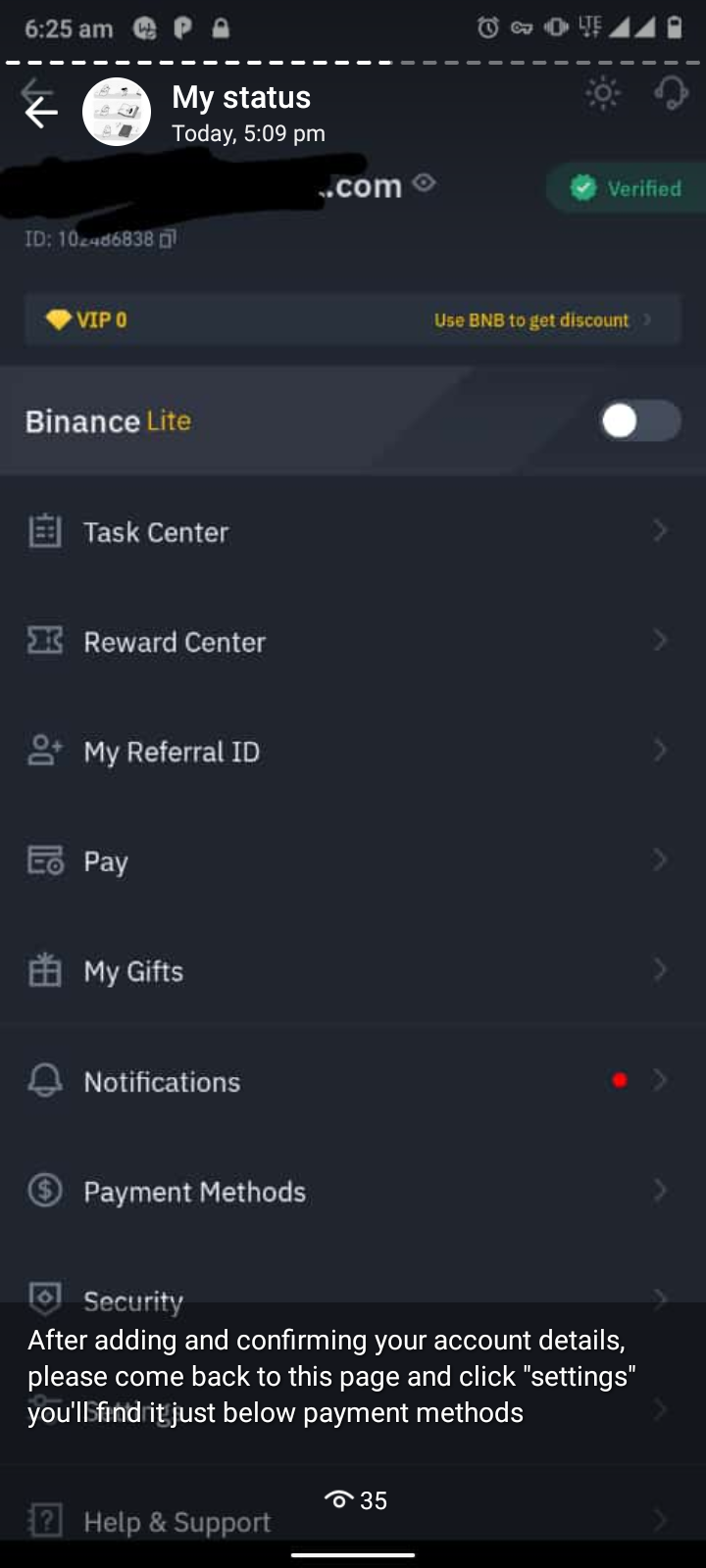
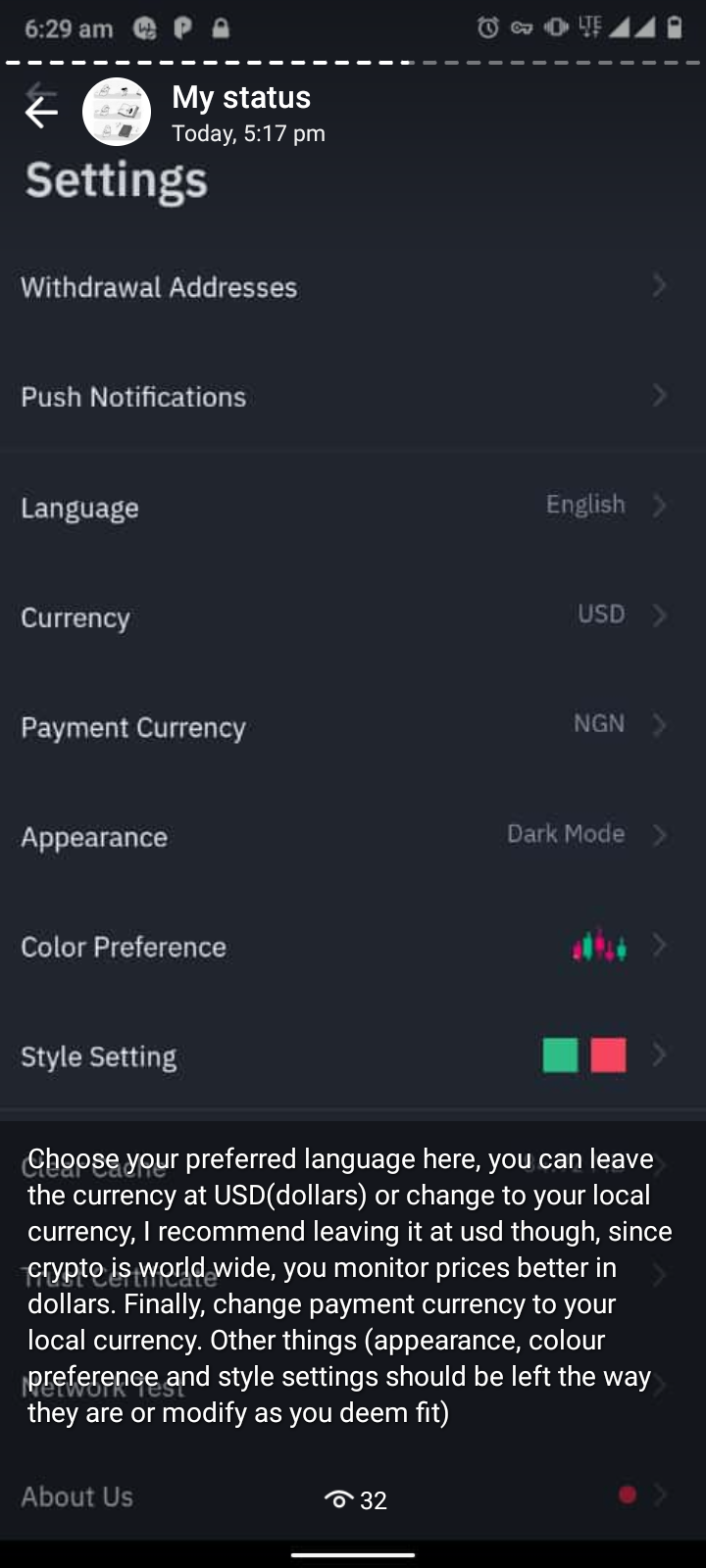
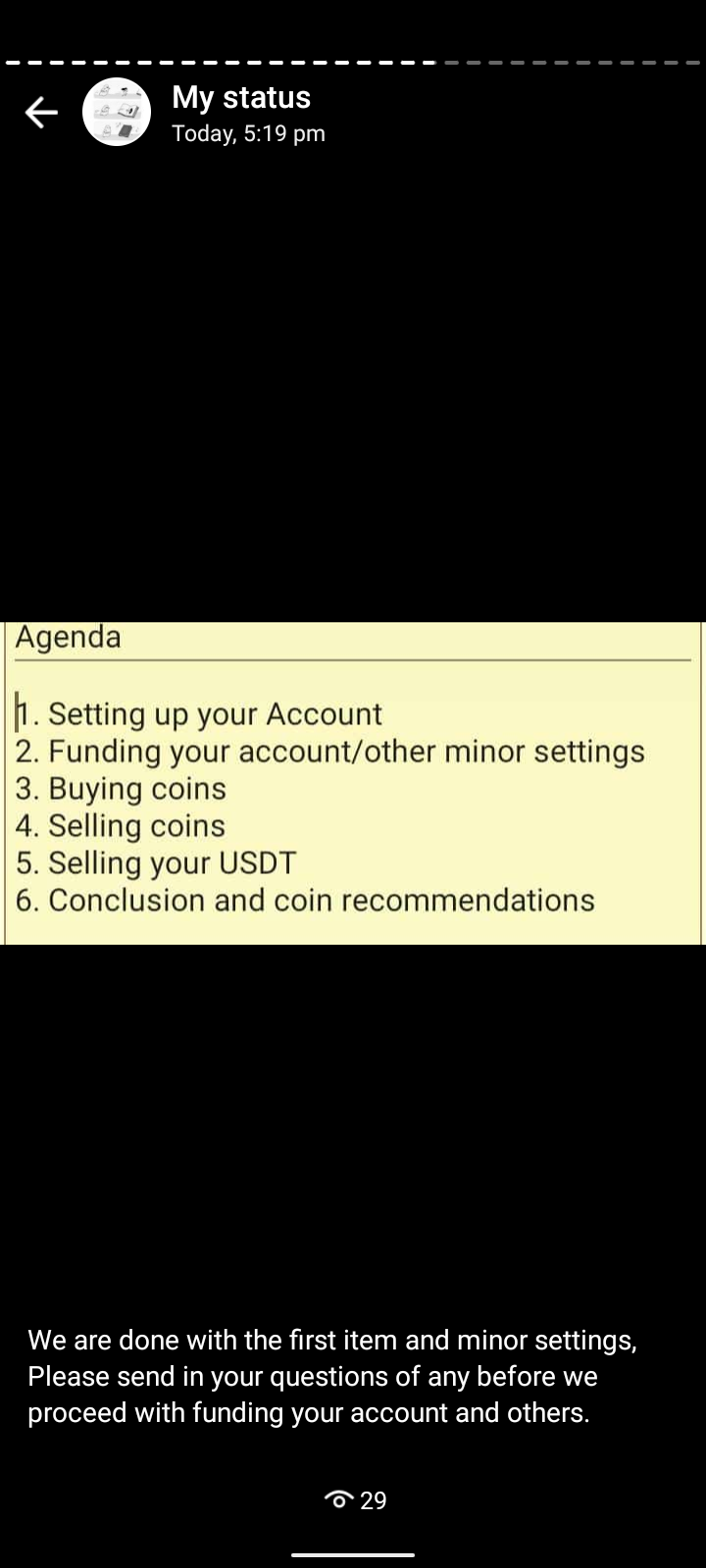
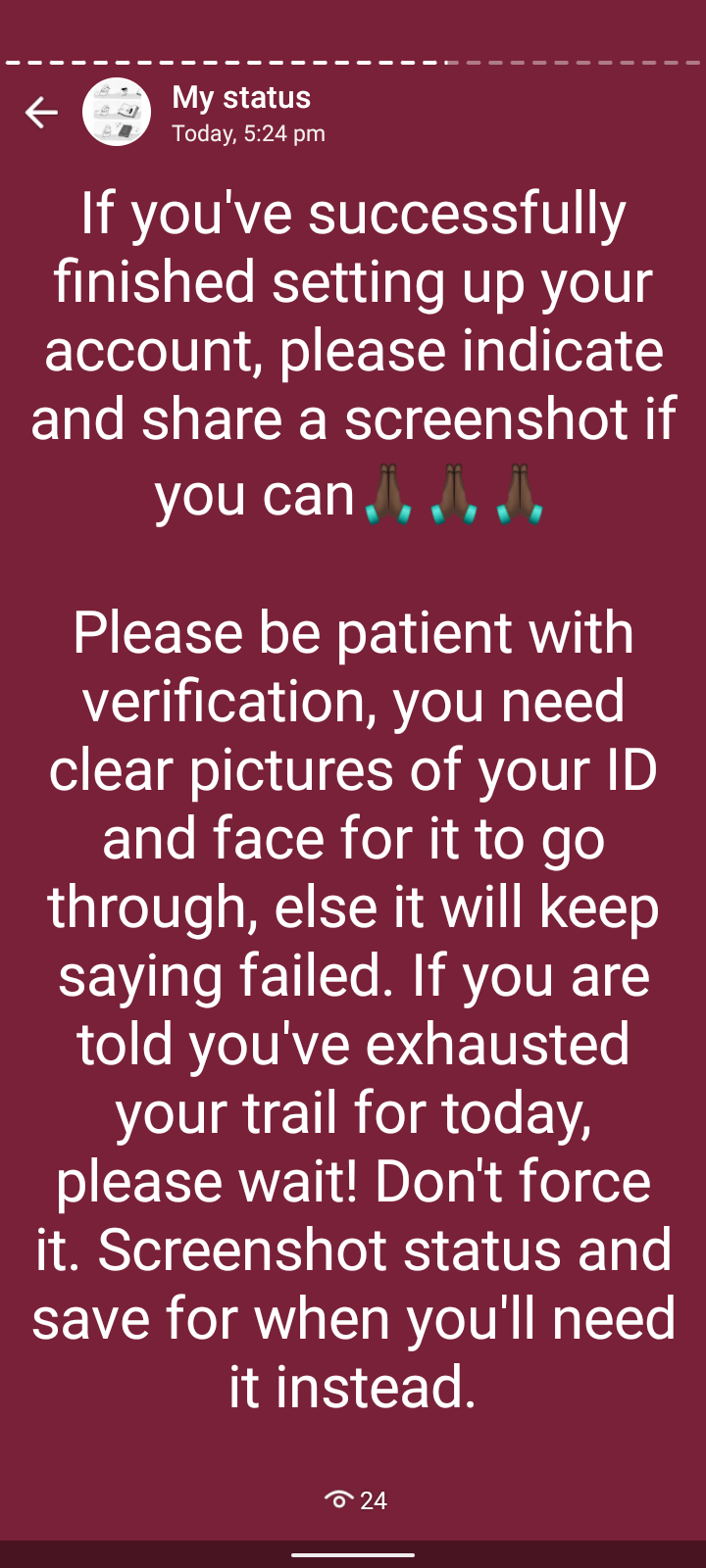
TRADING CRYPTO FOR BEGINNERS 1: Trading apps to use, How to Set up Your Account, Fund it, How to Buy Coins and Recommended Coins to Buy.

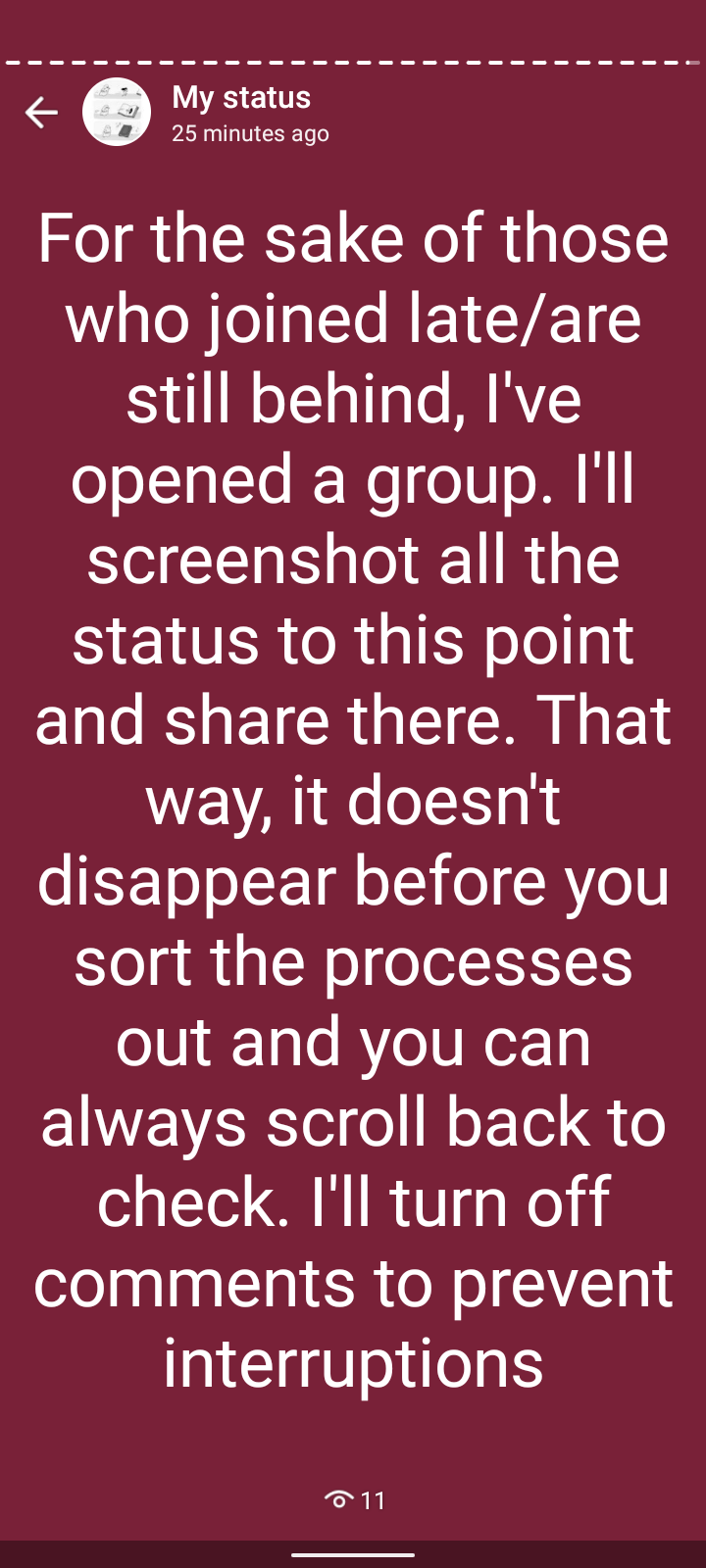
A collection of slides from the first free crypto class conducted on my WhatsApp status. This is for the purpose of reference and for people who joined late or simply joined after the class ended.

I’ll number the images/messages in the order in which it was all posted on WhatsApp. If you have any questions or need more clarification on anything at any point, please message via WhatsApp on +234 808 330 0520 (this number is not available for calls, just messages on WhatsApp please)

1)

2)

3)

4)

5)

6)

7)

8)

9)

10)

11)

12)

13)

14)

15)

16)

17)

18)

19)

20)

21)

22)

23)

24)

25)

26)

27)

28)

29)

30)

31)

32)

33)

34)

35)

36)

37)

38)

39)

40)

41)

42)

43)

44)

45)

46)

47)

48)

49)

50)

P.S: changes in price movements will have very little effect on your capital when trading with a small amount, the bigger your capital, the more the profit you’ll notice when prices go up. But like I said, please practice with small capital and increase only after you are comfortable with the market/trading.

Earn Money by Sharing Your Internet Connection With These 5 Apps

0

I had seen an app you can run in the background to earn some passive income a while ago but I didn’t pay attention to it. Not because I am rich but because there are so many apps out there that can harm your device or collect your data without your knowledge. Data mining is a thing… And sometimes, these apps can slow down your device. So, that’s why I didn’t pay attention.

I have done my research and ran my tests. Here are 5 Apps you can install on any of your devices right now to earn passive income. These apps share your internet bandwidth and pay you for it.

Some things you should know about these apps

  • This is free money but it won’t make you a millionaire overnight. You can earn as much as $50 per month for just using the app, nothing else.
  • You might earn a little less or more when you’re starting. This is normal. It depends on the traffic routed through your country…
  • You don’t have to refer anyone
  • You can run all the apps on your computer but I would advise doing that if you are not mining with your PC. I am currently running 2 of them on my PC.
  • Most of the apps on this list are on Android but I am not running them on my phone yet because my PC is the one connected to WIFI and I mostly work with it.
  • Will these apps slow down your connection? Not really. They use the same amount of bandwidth as watching two Netflix movies over the course of a month. You will never notice that much traffic in the background.

Earn Money by Sharing Your Internet Connection With These 5 Apps

IPRoyal Pawns

IPRoyal Pawns app enables anyone to earn money by sharing their internet connection. All you need to do is create a free account, install their app, and you’re good to go! You can use your WiFi or your data plan to make sure no megabyte goes wasted!

The App is available for Android, Macbook and Windows PC. They pay you through Paypal and BTC Cryptocurrency. You can withdraw your money once you have earned $5 and above. They also pay you when you refer your friends or complete a survey on the platform. Click here to get started

Honeygain

Honeygain also does the same thing but their minimum payout is $20. Their app is available for Windows, Macbooks and Android phones. You can refer your friends as well and earn a commission. They also pay via Paypal and Bitcoin. PayPal does not work all over the world, which means that if your country is on their list of countries that do not support PayPal, when you reach the payout threshold of $20, you would have to request a payout in Bitcoin or use someone’s else’s PayPal account (maybe a friend or a colleague has one, that is in a country that supports PayPal). Click here to use Honeygain

PacketStream

You are a Packeter on Packetstream. Packeters are compensated for sharing bandwidth on the PacketStream network and allowing users all over the world have access to content on the internet through their secure network. Customers can purchase bandwidth and browse the web from residential IPs to protect their browsing privacy. PacketStream uses PayPal to process customer payouts. The minimum cashout amount is $5.00. A 3% fee is applied to cashouts. Click here to sign up

Peer2Profit

Peer2Profit buys your traffic and sells it for legal purposes such as SMM and data collection from open sources. You get a reward for successfully sold traffic. The more sources (Unique IP addresses or imported proxies), the more you can earn. However, you need to be patient and give an objective assessment of earnings after a while, for example, in a month.

They pay through BTC and you can also earn from referring your friends, not just by using the app. Their app is available for Android, Linux and Windows. Click here to sign up on Peer2Profit

Spider

Spider allows people to share their Internet connections but no private information. Spider.com crawls the Internet for everyday data. Internet Service Providers generally have large data plans with huge quotas that are never fully used. They pay $1.50 per 10GB of data. Unused data is now worth some passive income and of course it is effortless! The best part is what happens when you tell your friends, they pay 25% of what your friends earn too!

Essentially you can earn a percentage of lifetime revenue for referring friends that earn with them.

Give them your PayPal account in your account settings and tell them when to send the money. Everyone is eligible to receive a payout if they have accumulated over $20.00. Click here to use Spider

Here is a video about these platforms!

6 Tools For Downloading Tiktok Videos (No Watermarks)

0

TikTok is a video sharing social media platform that is owned by a Chinese company called ByteDance. TikTok is also known as Douyin in China and it has been growing in number of userbase since its development in 2016. Since the advent of TikTok, lots of people have become addicted to using the short-videos sharing platform for social connectivity. Even celebrities like Will Smith and Justin Bieber have also joined the thrill of TikTok usage.

6 Tools For Downloading Tiktok Videos (No Watermarks)

If you use TikTok a lot, then you are likely aware that there are some unique and interesting videos from TikTok creators that you might want to save on your device. These types of videos are usually ones that deeply resonate with the user. If you want to save or download a TikTok video to your phone, it is very easy to do with the save button attached to every “Share” link on the videos.

But there are certain videos that are not shareable through the normal “Save Video” mode. And so, you have to use external video saving tools like specific apps built for that purpose. Below, we listed six different tools for downloading TikTok videos.

TT Downloader

TikTok Downloader is a tool that is very useful for saving videos from TikTok to your computer, phone or tablet. In order to use this web tool, you don’t even need to have a registration or software to be able to use the tool. This website works very easily and the design is very intuitive. All you need to do is enter the TikTok link or Musically link and click on the “Get Video” button just below it. Your video will automatically start saving on your device in high-quality MP4 files.

You can also use the web tool on any device whether it is a smartphone, tablet or computer desktop. All that is needed from you is the link to the TikTok video you wish to download and then you paste it. You can also choose to download the video with a watermark or without a watermark.

Musical Down

This TikTok video downloading tool is very useful for downloading unlimited videos from TikTok with no watermark attached. The bonus with this tool is that you can download TikTok videos for free and also MP3 files too. Videos and MP3 files are easily downloaded without a watermark. In order to download a particular favorite video of yours, you simply need to copy the link to the video you wish to download, then paste the link in MusicallyDown. All newly downloaded videos are saved in the “Downloads” section of your Windows, Mac or Mobile.

SnapTik

SnapTik is available on the Android app as SnapX Android App. SnapTik’s Android app can allow you to download TikTok videos. The Android app is fast, easy and will download the video without a watermark. In order to use this tool, you don’t need to install any special software on your device.

They do all the processing of your TikTok videos for you, and all you have to do is save the video to your device. The app is absolutely free to use for everyone and you can also download using your browsers. 

SSS Tik

In order to use SSS TikTok, you just need to copy the link to whatever video is and paste it into the Link Box on the website. SSS TikTok is not only available in website form but also in app format. With their tool, you can enjoy unlimited downloads without any restrictions and download your videos without watermarks!

QLoad

QLoad.info is a TikTok video downloading tool that works on all devices and can download your videos without watermarks. QLoad also is very free to use and you can download TikTok songs and music purely in MP3 file form. You can also choose to download your videos with a watermark if you want. To download, you copy the link to the video from TikTok, then you paste the link in the input box on QLoad, then you click on the Download button. The app is completely free and you don’t need to install any third-party apps for it to function. 

SaveFrom

SaveFrom is a type of TikTok video downloader that will allow you to download videos from TikTok in Full HD, HD and SQ Files format. The videos will download very fast and easily. The tool will also show you all the available formats of which a particular video can be downloaded. You can also download songs in MP3 format in the best quality. TikTok videos downloaded are also without watermarks. SaveFrom also does not require any special software on your tablet, phone or PC to work. 

Conclusion

The six tools listed above are some of the best TikTok video downloading tools out there in the market. You can go to the link attached to each item above to start using the tools.

5 Websites That Let You Create Receipts For Free

0

If you are a business owner or entrepreneur, then you definitely know the importance of creating receipts for customers. Some customers do not care too much about collecting a receipt as proof of their payment or patronage. While some other customers will demand that you issue a receipt to them. If your business is still small, you can get away with not giving out receipts for every sale. But if you run a large business, you definitely want to build a transparent business by issuing receipts.

5 Websites That Let You Create Receipts For Free

You can track every payment you receive with receipts in case you are accused of some financial fraud, and also let your customers have proof of their payments too. If you need tools to help you create receipts, then don’t look too far. We enumerated and explained five of the websites to create and send receipts with. Take a look:

WaveApps Receipt Generator

The website is formally called Wave Invoicing. With Wave Invoicing, you can send and also create professional looking receipts to your customers in a few steps. If you are not too sure about the quality of their service, you can easily create a sample and see if you like it. To create a receipt on this website, you need to follow three easy steps.
Firstly, you upload your company logo from your device to their website and all of your other company’s information. The second step is to fill in the box with your customer’s information. Then the third step is to enter the details you want in the receipt like line items and rates.

Invoicy Receipt Generator

Invoicy is a free receipt generator that allows you as a business owner to easily create receipts for your customers very fast. It’s not only a receipt generator but also an invoice generator as well. They offer all of their amazing services to you at affordable prices. A visit to their website will let you see the different sections available. There is the section where you get free receipt templates, check the pricing that best suits your pocket, etc.

Invoice Simple Receipt Generator

With Invoice Simple, you can easily make receipts, invoices and estimates for your customers. With their website tool, you can also keep track of the number of clients that you have printed out receipts to and for which items the customers paid for. With these features, it is very easy to keep track of the receipts you give out as a business. All you need to do is upload your business logo and fill in the required information into the empty fields. You can also preview your receipts to see what it looks like. The receipts are also available in different colours for you to choose from.

Receipt of Payment

With Receipt Of Payment, you can easily create a professional receipt for absolutely free. Their tool has all the necessary details that need to go into a professional receipt. The website was created as far back as 2002 and they mentioned that they have issued out up to 50 million receipts since then. Read the instructions on their website to get started with creating your own business receipts.

Free Online Receipt Template

With this free invoice builder, you can easily create professional-looking receipts on the internet with just a few clicks and a free template. They have an Invoice Generator, an invoice Templates section for grabbing new receipt templates, Invoicing guide and the option for international payments for their service. Apart from being able to create receipts for free, you can also track your sales with their system. Information that will be needed to create your receipts includes seller’s information, your company’s logo, date of payment etc.

Conclusion

The five websites above are some of the most popular options available for creating your receipts. A lot of business owners already use these services and are happily issuing out receipts to their paying customers. Try any one of the five and pick the one that most suits your business style. Your customers will trust you more when you issue receipts and you get to also track payments made to your business over time.

CcHUB: Facebook Design for Epidemiology Hackathon

0

Via CcHUB

We are excited to launch the “Facebook Design for Epidemiology Challenge”.

This project is aimed at exploring and leveraging Facebook technologies (Facebook, Instagram, and WhatsApp), and data towards understanding, monitoring, and controlling the spread of diseases in Nigeria.

The Design for Epidemiology Challenge, will take place in a form of a hackathon, whereby, Epidemiologists, researchers, public health professionals, startups in the field of Epidemiology and designers will come together to creatively address the problem of public health outcomes and diseases in Nigeria using Tech and data from Facebook to better strengthen the digital Epidemiology.

We are looking for innovative ideas from designers and startups in the Epidemiology space to participate in the Facebook Design for Epidemiology Challenge.

Register now before the September 10th deadline.

Click here to register

Check out my YouTube videos

X