Changing your Okadabooks password
Okada Pointer: Changing your password is different from Resetting your Password. For Steps to Reset your Password CLICK HERE
If you have a crawling walking working internet connection, you could change your password in less than 30 seconds. You read it correctly… seconds.
To change your password, I believe you’re signed in already (If you can’t sign in, Click here for steps to RESET your password )
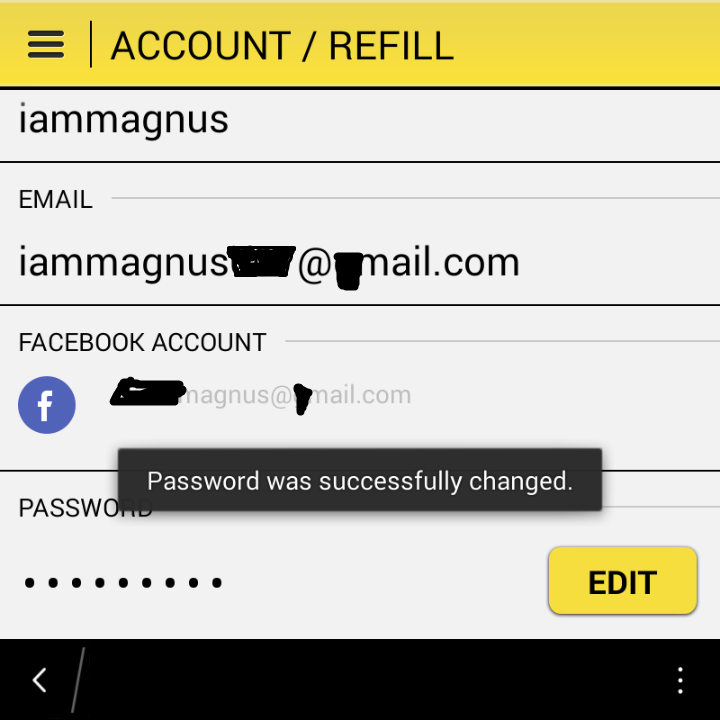
Go to Accounts/Refill
Scroll down, you’d find your password field.
Simply EDIT and type in your new password. That’s all. [See sample below]
Okada Pointer: A quick alternative?…You can always Sign-In with Facebook from the “Sign In” page too.
[…] different from Changing your password . For Steps to Change your Password CLICK HERERecovering your password on the Okadabooks App is really easy provided your internet connection is […]
[…] different from Changing your password . For Steps to Change your Password CLICK HERERecovering your password on the Okadabooks App is really easy provided your internet connection is […]